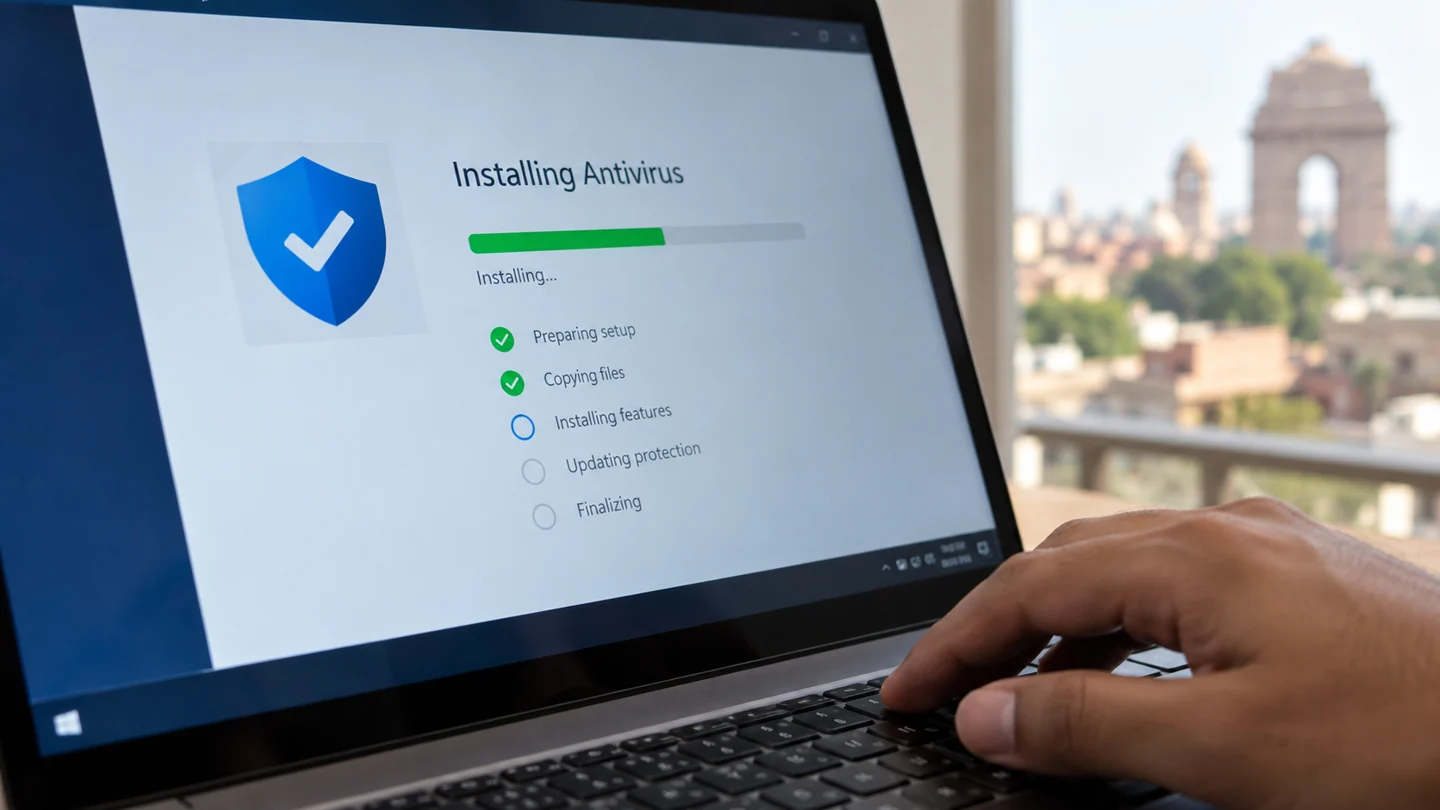
If you are searching for Antivirus Installation, the first step is to identify whether the problem is caused by hardware, software, power, heat, connectivity or a component that has reached the end of its useful life. RJ Computers offers practical diagnosis and repair support across Delhi, with core coverage in South Delhi and appointments in other areas.
What this service covers
Antivirus Installation can involve more than a single part. A technician should check the device symptoms, related components, compatibility and the cause of the fault before recommending a replacement. This helps avoid unnecessary parts and repeat failures.
- Initial fault diagnosis and symptom assessment
- Component or software testing
- Repair, replacement, installation or configuration where appropriate
- Performance and stability checks after service
- Advice on backup, maintenance and prevention
Common signs you may need antivirus installation
Typical signs include intermittent faults, reduced performance, unexpected shutdowns, error messages, missing devices, unusual noise, overheating, connection failures or a component that no longer responds. Some problems can have several causes, so diagnosis is important before buying a replacement.
Why choose RJ Computers?
RJ Computers focuses on clear diagnosis, compatible parts and straightforward service. For suitable problems, on-site support can be arranged at a home or office. More complex board-level or component work may require workshop handling after the repair requirements are explained.
Related computer repair guides
Laptop Data Recovery Computer Data Backup Slow Laptop Repair Windows 7 Installation Windows 8.1 Installation
RJ Computers service areas
Core South Delhi service includes Chhatarpur, Saket, Malviya Nagar, Neb Sarai, IGNOU, Mehrauli, Vasant Kunj, Sangam Vihar and Mahipalpur. We also take appointments across other parts of Delhi when service is available.
Book a repair or diagnostic visit
Tell us your device type, brand/model, main symptom and location. This gives the technician a better starting point and helps determine whether the issue can be handled at home or needs further testing.
Call RJ Computers → WhatsApp RJ Computers
Frequently asked questions
Can you diagnose the problem before replacing a part?
Yes. Diagnosis should come before a component replacement whenever practical, especially for charging, power, display and performance faults.
Do you provide doorstep service?
Doorstep support is available for suitable repairs and troubleshooting in the core service zone, with appointments for other Delhi locations.
Will every repair be completed during the first visit?
Not always. Parts availability, board-level faults, liquid damage and complex data recovery can require additional testing or workshop work.
Protect account access and important files during the investigation
Identify the exact warning, affected application and time the issue began. An unwanted browser change, an account sign-in alert and a hardware fault need different responses. Avoid entering sensitive account information into a page simply because a popup claims it is required to repair the computer.
Use the operating system’s supported security tools and software obtained from an official publisher. Preserve useful evidence without sharing passwords, recovery codes or private customer information. For a managed work device, report the symptom through the organisation’s normal process before removing security products or changing required policies.
Check the outcome beyond the disappearance of a warning. Review whether normal updates work, the unwanted behaviour returns and the affected account remains under your control. If credentials may have been exposed, use the service’s official account-recovery and security settings through a trusted device. Keep important files backed up, but avoid treating an unreviewed copy of suspicious software as something to restore automatically. Do not disable protection permanently to make a symptom disappear.
Before you finish
- Exact warning and recent changes recorded
- Official security tools used
- Credentials kept private
- Account and device behaviour checked afterwards