Quick answer
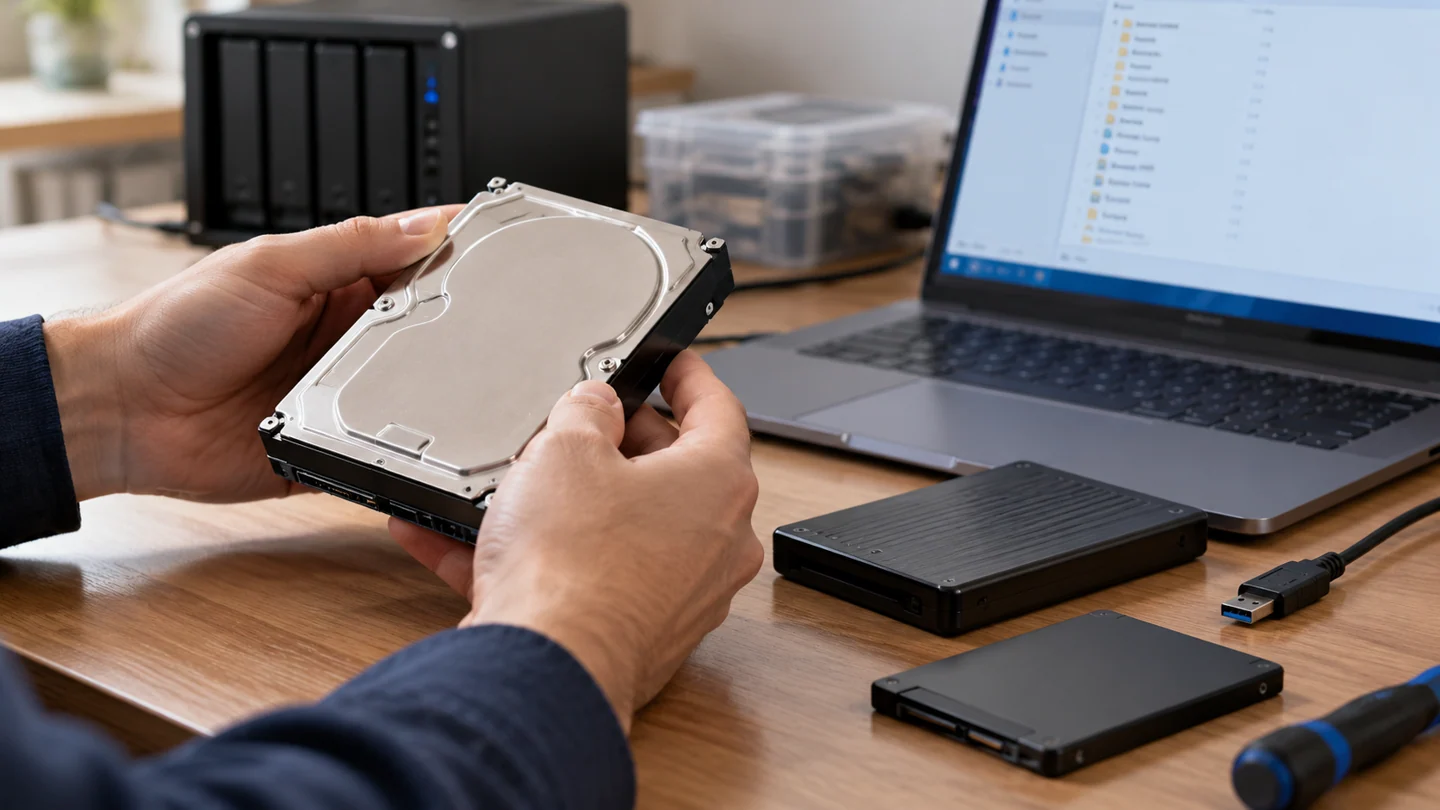
Data recovery starts with preserving the source and defining which files matter. Do not reset, format or repeatedly test a device before considering its data.
Understand the issue
For hard drive data recovery price estimate, compare the same scope of work rather than only the headline price. Ask whether diagnosis, labour, parts, travel and testing are included, and what you would pay if you decline the repair. Confirm any estimate after the model and fault have been assessed.
Useful details to discuss
- Stop unnecessary writes to the affected storage
- Do not format or initialize a drive containing important files
- Record whether the drive is detected and what sounds it makes
- Use a read-only or professional recovery workflow where appropriate
- Create a backup strategy after recovery
Step-by-step checks
- List priority folders and available backups.
- Record the fault history and any encryption recovery key.
- Agree the assessment, destination storage and verification process.
Need help with this issue?
Share your model and symptoms. Confirm availability and the quote before booking.
What the results mean
A non-starting laptop may contain readable storage, but removable storage, encryption and physical condition affect access. Recovery is separate from repairing the computer.
| Stage | Action |
|---|---|
| Start | List priority folders and available backups. |
| Compare | Record the fault history and any encryption recovery key. |
| Next step | Agree the assessment, destination storage and verification process. |
Choose a data-preservation route before attempting repair
Decide what information must be recovered and whether another working copy exists. A storage device that still appears in a list can nevertheless be failing, and a missing folder does not reveal the cause by itself. Record the device model, capacity, connection and exact symptom before changing its contents.
Avoid writing new data to the affected storage. Installing software, downloading files or saving recovered items back to the same device can overwrite information that might otherwise be recoverable. If the drive clicks, disconnects repeatedly or cannot be read reliably, stop repeated scans and discuss an appropriate recovery assessment. A controlled image may be preferable to working directly on the original, depending on its condition.
Treat recoverability as something to verify, not promise. A scan can list filenames while the contents are incomplete or damaged. Open important recovered documents, photos and databases from a separate healthy destination and check them against what you expected. Keep the original device until the result has been reviewed. Formatting, filesystem repair and preparing a drive for reuse should be separate decisions made after the preservation requirement is settled.
Before you finish
- Required files and other copies identified
- Writes to affected storage avoided
- Device condition assessed before long scans
- Recovered contents verified on another drive
Repair checklist
If you need help, send RJ Computers your device model and the results of the checks above. Explain what must be preserved before work starts, especially files that have no other copy.
- Confirm assessment charges and what the quote includes.
- Ask for approval before additional parts or destructive software changes.
- Test the original symptom at handover and keep the repair details.
Ready for an assessment?
Share your model and symptoms. Confirm availability and the quote before booking.
Frequently asked questions
Can files be recovered without repairing the whole laptop?
Sometimes. The storage design, condition and encryption determine the options. Ask for a separate data assessment.
What should I record before requesting help?
Record the full model, exact error or symptom, recent changes and what you already tried. Explain whether important files have a separate backup.
How do I arrange a repair assessment?
Call RJ Computers on +91 99715 24677 or use the WhatsApp booking button. Confirm availability, diagnostic fees and the scope of work before booking.
Conclusion
Start with the evidence and compare it with the symptom before choosing a repair. A non-starting laptop may contain readable storage, but removable storage, encryption and physical condition affect access. Recovery is separate from repairing the computer. If the checks do not explain the problem, share your observations and ask for an assessment before approving work.