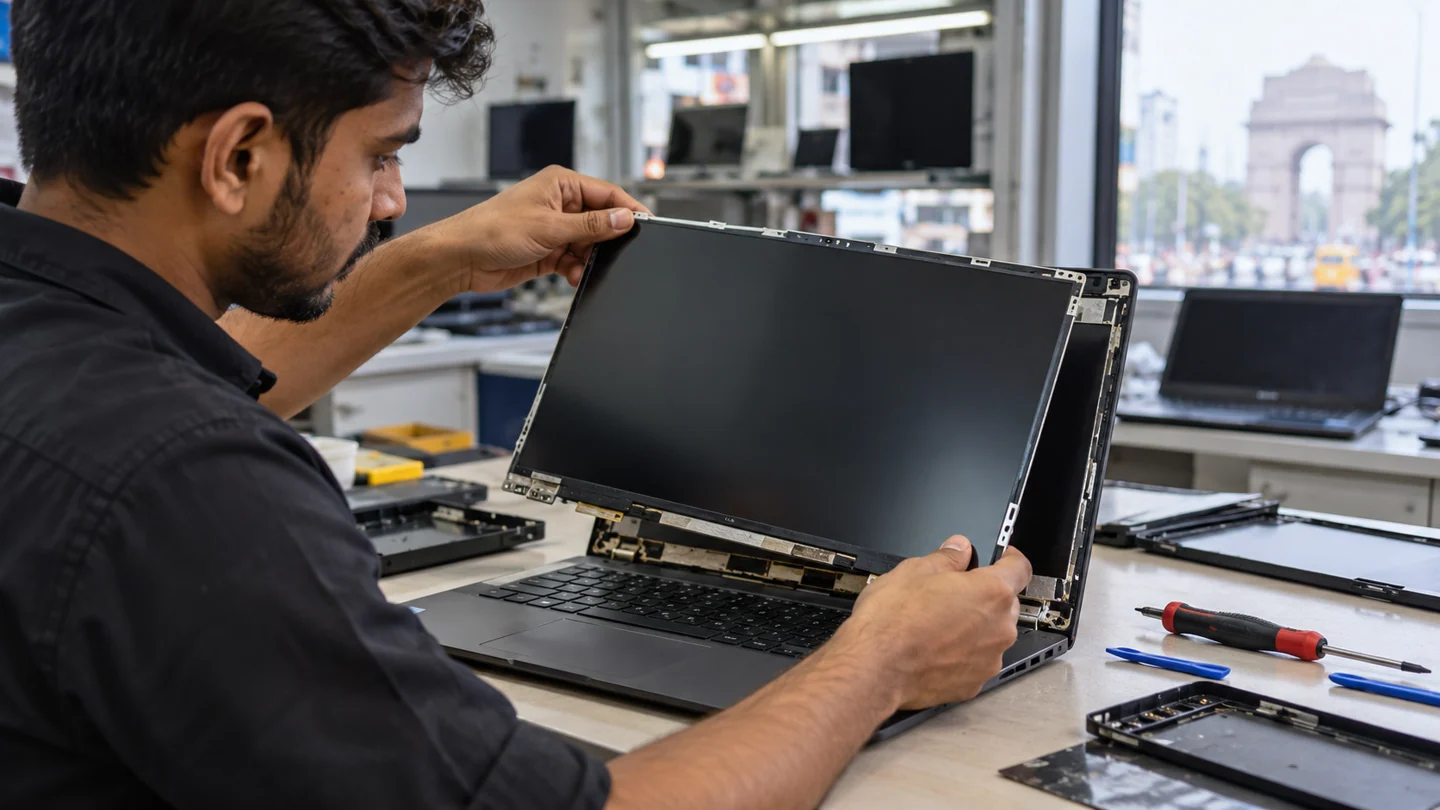
If you are searching for Laptop Screen Replacement, the first step is to identify whether the problem is caused by hardware, software, power, heat, connectivity or a component that has reached the end of its useful life. RJ Computers offers practical diagnosis and repair support across Delhi, with core coverage in South Delhi and appointments in other areas.
What this service covers
Laptop Screen Replacement can involve more than a single part. A technician should check the device symptoms, related components, compatibility and the cause of the fault before recommending a replacement. This helps avoid unnecessary parts and repeat failures.
- Initial fault diagnosis and symptom assessment
- Component or software testing
- Repair, replacement, installation or configuration where appropriate
- Performance and stability checks after service
- Advice on backup, maintenance and prevention
Common signs you may need laptop screen replacement
Typical signs include intermittent faults, reduced performance, unexpected shutdowns, error messages, missing devices, unusual noise, overheating, connection failures or a component that no longer responds. Some problems can have several causes, so diagnosis is important before buying a replacement.
Why choose RJ Computers?
RJ Computers focuses on clear diagnosis, compatible parts and straightforward service. For suitable problems, on-site support can be arranged at a home or office. More complex board-level or component work may require workshop handling after the repair requirements are explained.
Related computer repair guides
Computer Maintenance Service Laptop Cleaning Service Computer Cleaning Service Laptop Diagnostic Service Computer Diagnostic Service
RJ Computers service areas
Core South Delhi service includes Chhatarpur, Saket, Malviya Nagar, Neb Sarai, IGNOU, Mehrauli, Vasant Kunj, Sangam Vihar and Mahipalpur. We also take appointments across other parts of Delhi when service is available.
Book a repair or diagnostic visit
Tell us your device type, brand/model, main symptom and location. This gives the technician a better starting point and helps determine whether the issue can be handled at home or needs further testing.
Call RJ Computers → WhatsApp RJ Computers
Frequently asked questions
Can you diagnose the problem before replacing a part?
Yes. Diagnosis should come before a component replacement whenever practical, especially for charging, power, display and performance faults.
Do you provide doorstep service?
Doorstep support is available for suitable repairs and troubleshooting in the core service zone, with appointments for other Delhi locations.
Will every repair be completed during the first visit?
Not always. Parts availability, board-level faults, liquid damage and complex data recovery can require additional testing or workshop work.
Compare the screen, the signal and the displayed image
Note whether the problem appears before the operating system loads, in every app or only in one program. A manufacturer logo with the same defect points toward a different investigation from a single application rendering incorrectly. Check basic brightness, selected input and cable condition without repeatedly flexing a damaged screen.
Where supported, compare a known-good external display and a manufacturer-provided screen test. View a screenshot on another device if that helps distinguish the rendered image from the physical panel. These results narrow the fault but do not automatically identify one replacement part; cables, connectors and the graphics path can affect the result.
Keep a short record of when the fault occurs, including sleep, wake, docking and a particular resolution. After a repair or setting change, repeat those conditions and inspect both text and simple solid colours. Do not press the panel or dismantle a powered display assembly to test a theory. If there is cracking, liquid damage or a burning smell, stop ordinary software troubleshooting and arrange a suitable hardware assessment.
Before you finish
- Before-boot and app-only behaviour compared
- Known-good cable or display tested where suitable
- Screenshot distinguished from physical panel output
- Sleep, wake and original fault conditions retested