Quick answer
Start a repair enquiry with the full device model, symptom history and backup status. Ask for diagnosis and approval of the quote before parts are changed.
Understand the issue
This guide covers computer repair delhi services. The useful starting point is to establish what happens, when it happens and whether recent changes are involved. Keep the original symptom separate from a proposed repair: a symptom alone rarely identifies the exact part or setting at fault.
Useful details to discuss
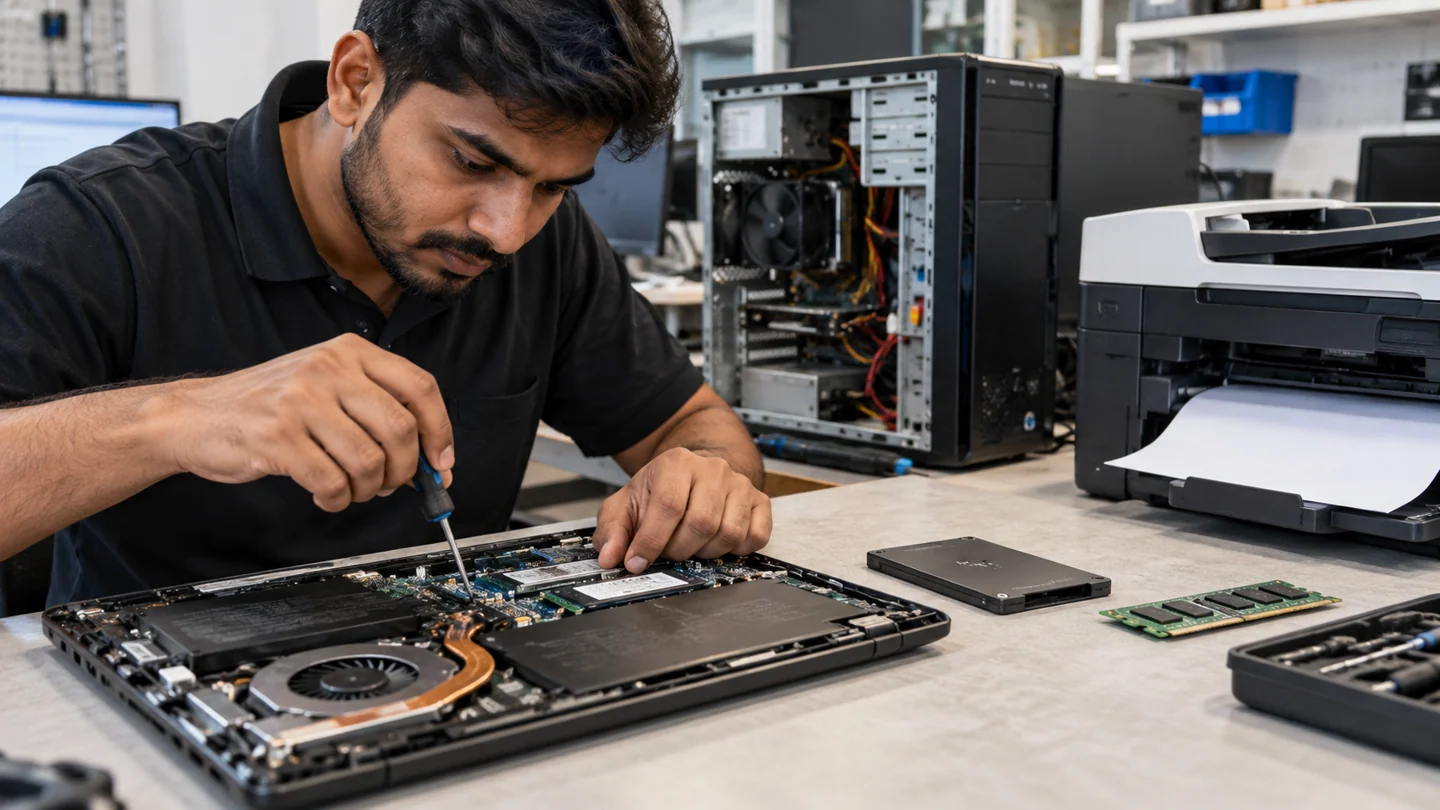
- Laptop repair: screen, keyboard, battery, charging port, hinge, fan, overheating, webcam, trackpad and speaker issues.
- Desktop repair: no-power diagnosis, hardware replacement, assembly, slow PC troubleshooting and performance tuning.
- SSD and RAM upgrades: replace an old hard drive, increase memory and improve boot and application performance.
- Data recovery and backup: help with inaccessible drives, deleted files and backup planning. Recovery is always assessed before work begins.
- Virus and malware removal: cleanup, browser troubleshooting, security checks and safer configuration.
Step-by-step checks
- Record errors and recent damage.
- Back up accessible important files.
- Confirm appointment arrangements, fees and written repair terms.
Need help with this issue?
Share your model and symptoms. Confirm availability and the quote before booking.
What the results mean
A doorstep visit can help reproduce a fault in its usual environment. Board-level work and recovery may still need a workshop.
| Stage | Action |
|---|---|
| Start | Record errors and recent damage. |
| Compare | Back up accessible important files. |
| Next step | Confirm appointment arrangements, fees and written repair terms. |
Use the printer’s own output to narrow the fault
Write down the exact printer model, connection method and displayed error. A device-generated report and a job sent from a computer test different parts of the workflow. If the printer’s own page works, investigate the queue, application, driver or connection before assuming an internal part has failed.
Use one small sample and change one setting at a time. Compare the loaded paper with the job’s requested size and type, and inspect both application and driver options. Saved presets can override a setting that looks correct in another window. For a network printer, note whether the router or Wi-Fi details changed and whether another device can send a job.
Keep a record of the successful combination of paper, source and print settings. Test the original document or a non-sensitive equivalent after the correction. Do not force jammed paper, reach into hot components or dismantle the power section. If a mechanical fault is suspected, provide the model and a small sample of the defect so an assessment can target the correct part rather than relying on a vague description such as not printing.
Before you finish
- Printer model and connection recorded
- Internal test compared with computer-sent job
- Paper, driver and app settings aligned
- Small sample verified before a large batch
Repair checklist
If you need help, send RJ Computers your device model and the results of the checks above. Explain what must be preserved before work starts, especially files that have no other copy.
- Confirm assessment charges and what the quote includes.
- Ask for approval before additional parts or destructive software changes.
- Test the original symptom at handover and keep the repair details.
Ready for an assessment?
Share your model and symptoms. Confirm availability and the quote before booking.
Frequently asked questions
What should I confirm before handing over a computer?
Ask about assessment fees, data handling, parts, approval for extra work and the handover test.
What should I record before requesting help?
Record the full model, exact error or symptom, recent changes and what you already tried. Explain whether important files have a separate backup.
How do I arrange a repair assessment?
Call RJ Computers on +91 99715 24677 or use the WhatsApp booking button. Confirm availability, diagnostic fees and the scope of work before booking.
Conclusion
Start with the evidence and compare it with the symptom before choosing a repair. A doorstep visit can help reproduce a fault in its usual environment. Board-level work and recovery may still need a workshop. If the checks do not explain the problem, share your observations and ask for an assessment before approving work.