Quick answer
For computer repair in Malviya Nagar, share the desktop model or build, symptoms and connected equipment with RJ Computers. The team can confirm whether an on-site assessment is suitable and agree visit details.
Understand the problem before changing anything
A desktop problem may involve the tower, monitor, power supply, storage or a local peripheral. Testing only the computer away from home can miss a cable, router or printer issue. Conversely, internal power and board faults may need equipment beyond a home visit.
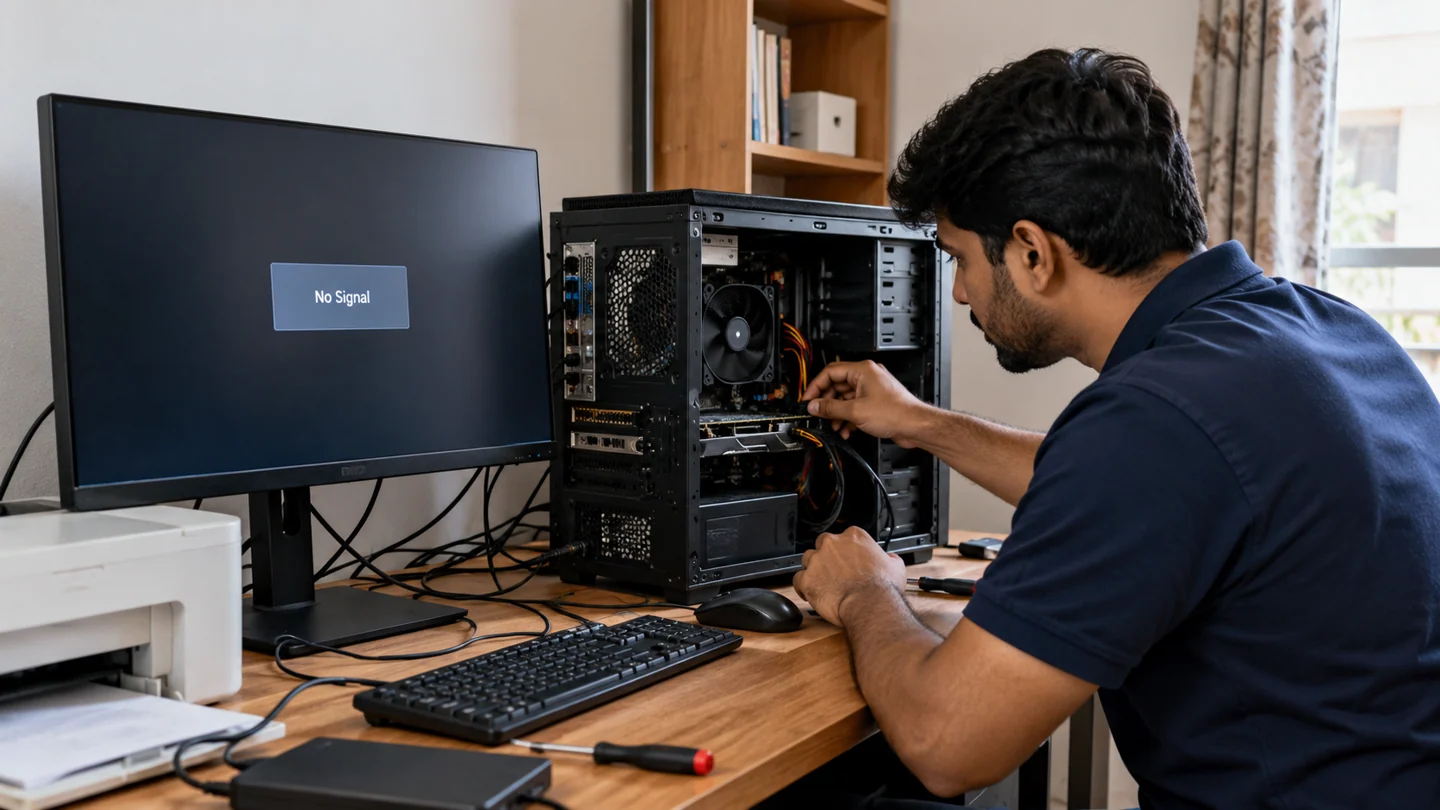
Step-by-step checks
Separate display from power symptoms
State whether the tower lights up, fans run and the monitor reports No signal. Note any beeps or repeated restarts.
List the connected equipment
Include the monitor connection, printer, external drives and any recent hardware change. For a custom build, share the main component models if known.
Confirm Malviya Nagar visit details
Agree the neighbourhood, access arrangements, assessment charge and suitable contact time directly with the team.
Protect business and personal data
Identify important folders and backups before software changes. Explain any requirement to preserve accounting, email or specialist application data.
Approve targeted work
Ask what test supports a proposed RAM, SSD, power-supply or other replacement. Confirm compatibility and cost before installation.
Test the whole setup
Check startup, display, networking and the original failing workflow. For office support, include the printer or shared folder involved.
What to avoid
Do not open or repair a desktop power supply yourself. Burning smells, sparks or damaged mains leads require stopping use and arranging an appropriate assessment.
How to verify the result
The final check should use the actual monitor, cables and work applications where practical. Keep a record of changed parts and any outstanding issues.
Prepare a useful repair enquiry and agree the scope
Share the device model, exact symptom and neighbourhood before arranging a visit. Describe whether there are power lights, sounds, an error message or a failure during one particular task. Mention recent liquid exposure, impact or parts changes because those details affect what equipment and assessment may be needed.
Confirm timing and charges directly rather than treating a service-area list as a live appointment calendar. Ask what the assessment covers, whether parts are extra and what happens if the work needs workshop equipment. A screen, battery or keyboard must match the exact model, while board-level or intermittent faults can require more investigation than a routine setup visit.
Back up accessible files and explain what must be preserved before any reset, reinstall or storage replacement. Provide address and access details privately through the agreed contact channel. After work, repeat the original failing task and check relevant charging, display, network or peripheral behaviour. Keep a plain record of the diagnosis, approved work, replaced parts and follow-up terms. A working startup alone does not verify every issue that prompted the visit.
Before you finish
- Model, symptom and neighbourhood shared
- Assessment scope and charges agreed
- Files and recovery access protected
- Original fault and agreed work checked together
Common question
Can a desktop be repaired at home?
Many checks, setup tasks and compatible upgrades can be done on-site. Some board, power or specialist faults may need workshop assessment.
Need help with the next step?
Tell RJ Computers the device model, exact symptom, checks already tried and whether important files are backed up. Confirm availability, assessment charges and the scope of work before arranging a visit.
Service availability, charges, parts and repair terms are confirmed directly with RJ Computers. Manufacturer warranty service is a separate route.