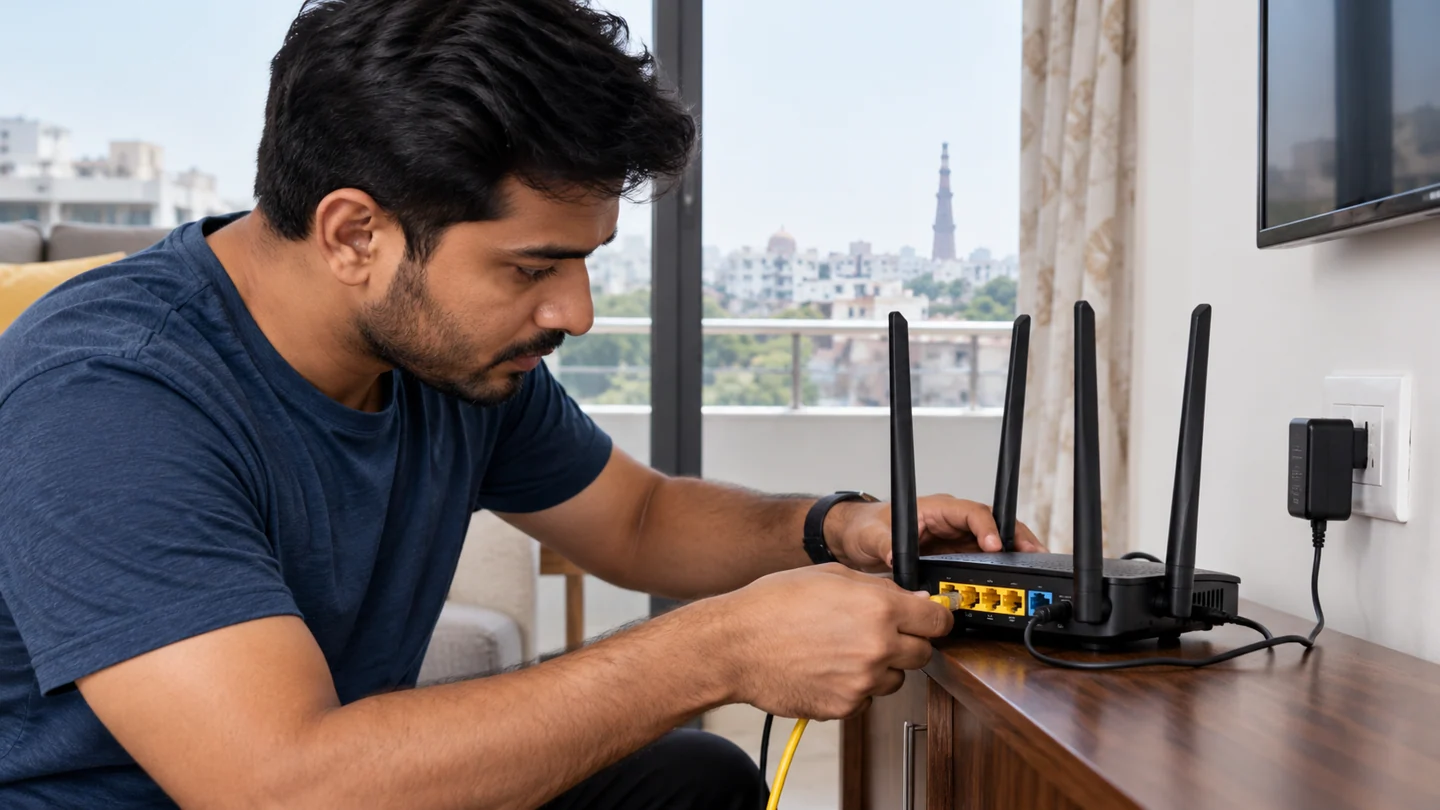
If you are searching for Home Wi-Fi Setup, the first step is to identify whether the problem is caused by hardware, software, power, heat, connectivity or a component that has reached the end of its useful life. RJ Computers offers practical diagnosis and repair support across Delhi, with core coverage in South Delhi and appointments in other areas.
What this service covers
Home Wi-Fi Setup can involve more than a single part. A technician should check the device symptoms, related components, compatibility and the cause of the fault before recommending a replacement. This helps avoid unnecessary parts and repeat failures.
- Initial fault diagnosis and symptom assessment
- Component or software testing
- Repair, replacement, installation or configuration where appropriate
- Performance and stability checks after service
- Advice on backup, maintenance and prevention
Common signs you may need home wi-fi setup
Typical signs include intermittent faults, reduced performance, unexpected shutdowns, error messages, missing devices, unusual noise, overheating, connection failures or a component that no longer responds. Some problems can have several causes, so diagnosis is important before buying a replacement.
Why choose RJ Computers?
RJ Computers focuses on clear diagnosis, compatible parts and straightforward service. For suitable problems, on-site support can be arranged at a home or office. More complex board-level or component work may require workshop handling after the repair requirements are explained.
Related computer repair guides
Laptop Repair Near Me Computer Repair Near Me Laptop Service Center Computer Service Center Laptop Repair Shop
RJ Computers service areas
Core South Delhi service includes Chhatarpur, Saket, Malviya Nagar, Neb Sarai, IGNOU, Mehrauli, Vasant Kunj, Sangam Vihar and Mahipalpur. We also take appointments across other parts of Delhi when service is available.
Book a repair or diagnostic visit
Tell us your device type, brand/model, main symptom and location. This gives the technician a better starting point and helps determine whether the issue can be handled at home or needs further testing.
Call RJ Computers → WhatsApp RJ Computers
Frequently asked questions
Can you diagnose the problem before replacing a part?
Yes. Diagnosis should come before a component replacement whenever practical, especially for charging, power, display and performance faults.
Do you provide doorstep service?
Doorstep support is available for suitable repairs and troubleshooting in the core service zone, with appointments for other Delhi locations.
Will every repair be completed during the first visit?
Not always. Parts availability, board-level faults, liquid damage and complex data recovery can require additional testing or workshop work.
Find whether the problem follows the device or the network
Record the connection type, affected device and exact task that fails. A Wi-Fi signal shows a link to an access point, while internet access depends on additional equipment and services. One failed website or app does not prove the whole connection is unavailable.
Compare the same task on another device using the same network, then on the original device using another trusted connection where practical. Ensure a phone is not silently using mobile data during a Wi-Fi test. These comparisons help separate a device setting, router issue, provider outage or service-specific problem without changing every network option.
Preserve the information required to restore service before resets. Router settings, work VPNs, static addresses and printer connections can be disrupted by broad network changes. Use supported diagnostic tools and keep security protections in place. After a targeted correction, repeat the original task on the original network and check other required services such as printing or shared folders. Record which devices improved so a temporary workaround is not mistaken for a complete repair.
Before you finish
- Same task compared on two devices
- Mobile data excluded from Wi-Fi comparison
- Required network settings recorded before reset
- Original connection and local services retested