Quick answer
Check warranty status before choosing a laptop service centre. An authorised provider and an independent repair business may offer different routes, parts policies and warranty handling.
Understand the problem before changing anything
RJ Computers is a local independent repair business; do not assume it is an authorised centre for a laptop manufacturer. For warranty claims, accidental-damage cover or manufacturer service programmes, verify the approved route with the brand using your model and warranty details.
Step-by-step checks
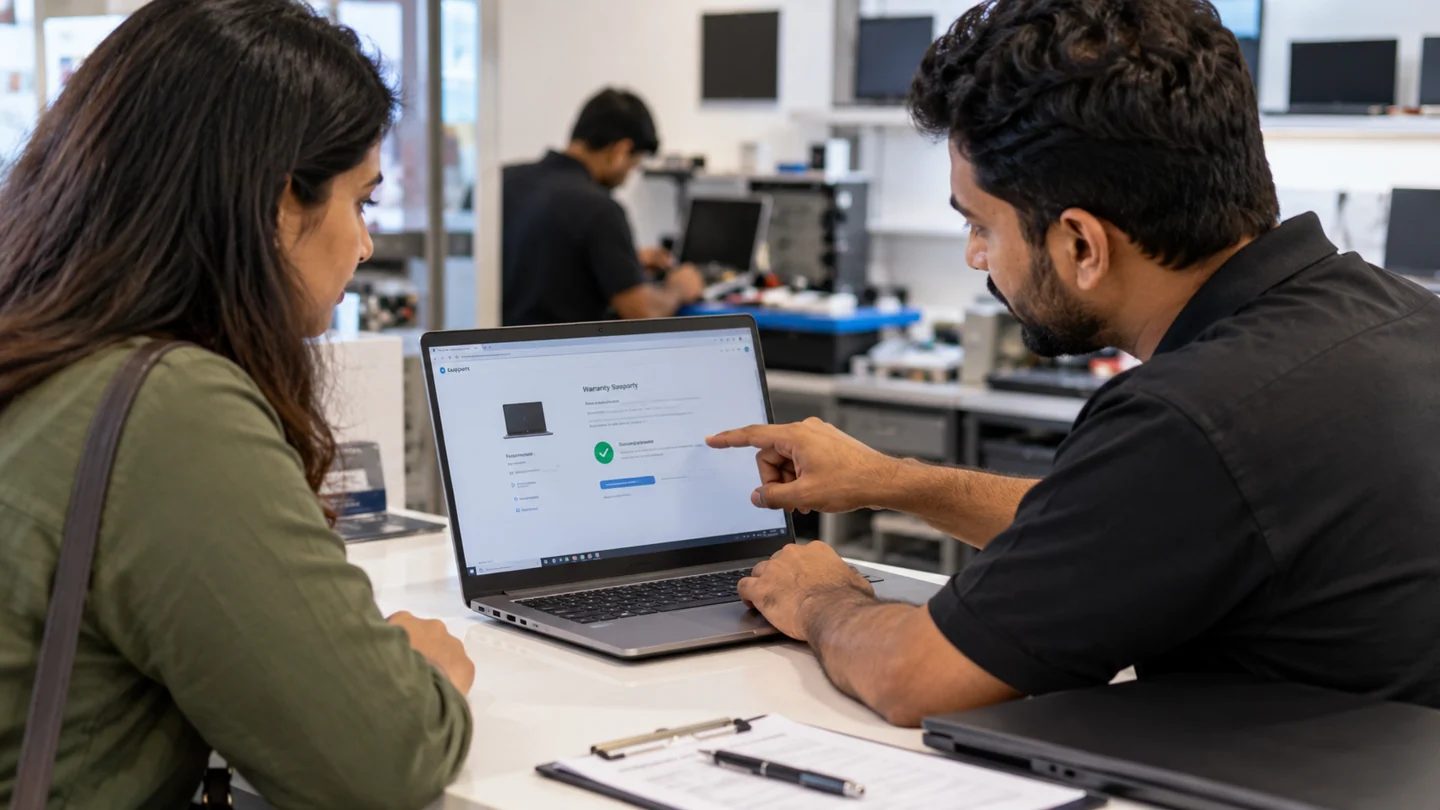
Check coverage first
Look up the manufacturer warranty or support agreement. Confirm what is covered and whether the symptom needs an authorised assessment.
Identify the requested service
A battery replacement, screen fault and motherboard repair need different parts and processes. Share the complete model and symptom.
Compare the routes
Ask an independent provider what it can assess, what parts it proposes and how its repair terms differ from manufacturer warranty service.
Confirm data requirements
Warranty service can still involve storage replacement or a reinstall. Back up accessible files and ask how drives and personal data will be handled.
Read the estimate
Confirm inspection charges, parts availability, turnaround expectations and follow-up conditions before approving work.
Keep the repair record
Save invoices and parts information. Test the original issue and note whether the service changed any firmware or software configuration.
What to avoid
Do not assume a provider is manufacturer-authorised because its website lists a brand name. Verify authorisation and warranty effects through the manufacturer.
How to verify the result
The chosen route should match your warranty rights, fault and priorities. A clear estimate and data plan are useful whether the provider is authorised or independent.
Prepare a useful repair enquiry and agree the scope
Share the device model, exact symptom and neighbourhood before arranging a visit. Describe whether there are power lights, sounds, an error message or a failure during one particular task. Mention recent liquid exposure, impact or parts changes because those details affect what equipment and assessment may be needed.
Confirm timing and charges directly rather than treating a service-area list as a live appointment calendar. Ask what the assessment covers, whether parts are extra and what happens if the work needs workshop equipment. A screen, battery or keyboard must match the exact model, while board-level or intermittent faults can require more investigation than a routine setup visit.
Back up accessible files and explain what must be preserved before any reset, reinstall or storage replacement. Provide address and access details privately through the agreed contact channel. After work, repeat the original failing task and check relevant charging, display, network or peripheral behaviour. Keep a plain record of the diagnosis, approved work, replaced parts and follow-up terms. A working startup alone does not verify every issue that prompted the visit.
Before you finish
- Model, symptom and neighbourhood shared
- Assessment scope and charges agreed
- Files and recovery access protected
- Original fault and agreed work checked together
Common question
Can an independent repair be claimed under manufacturer warranty?
Do not assume so. Warranty eligibility and authorised service arrangements must be confirmed with the manufacturer before work starts.
Need help with the next step?
Tell RJ Computers the device model, exact symptom, checks already tried and whether important files are backed up. Confirm availability, assessment charges and the scope of work before arranging a visit.
Service availability, charges, parts and repair terms are confirmed directly with RJ Computers. Manufacturer warranty service is a separate route.