Quick answer
RJ Computers offers laptop repair enquiries for Saket from its Chattarpur base. Share the laptop model, symptoms and your location so the team can confirm visit availability, the likely assessment scope and any visit charge.
Understand the problem before changing anything
A laptop that will not start needs a different visit from one that needs a keyboard or battery. Sending the model number and a clear symptom helps avoid ordering an incompatible part or planning a visit without the right equipment. Availability is confirmed directly; this page does not show live appointment slots.
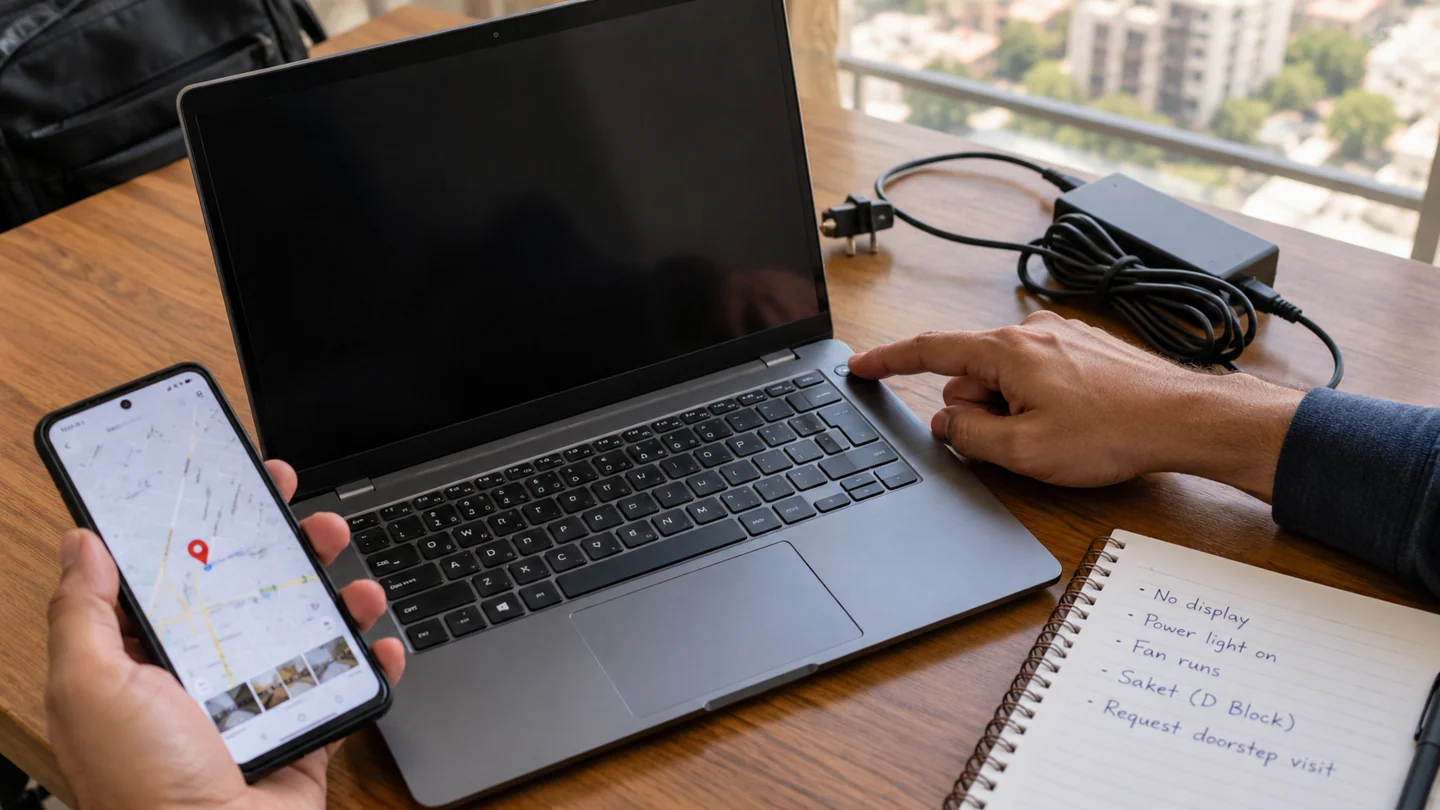
Step-by-step checks
Describe the fault clearly
Say whether the laptop has power lights, a fan, a picture or an error. Mention any liquid exposure, impact or charger problem before requesting a visit.
Identify the device
Send the full model from its label or system information. Keep serial numbers and personal information out of public screenshots.
Share your Saket location
Provide the neighbourhood or building details needed to plan access privately with the team. Confirm a suitable contact time and any visitor restrictions.
Agree the assessment first
Ask about the visit charge, what diagnosis includes and whether parts are extra. Screen, keyboard and battery work depends on exact model compatibility and part availability.
Protect data before work
Back up accessible files, identify information that must be preserved and agree before any reinstall, reset or storage replacement.
Review the result
Check the reported problem, charging, keyboard and normal startup as relevant. Keep a note of the approved work, parts and any follow-up terms.
What to avoid
A complex motherboard or liquid-damage fault may need workshop equipment. Do not assume every repair can be completed at home or that a same-day request guarantees a same-day slot.
How to verify the result
Before accepting a part replacement, ask what test identified it as faulty and what other causes were checked. After a repair, repeat the task that originally failed rather than judging only by the laptop powering on.
Prepare a useful repair enquiry and agree the scope
Share the device model, exact symptom and neighbourhood before arranging a visit. Describe whether there are power lights, sounds, an error message or a failure during one particular task. Mention recent liquid exposure, impact or parts changes because those details affect what equipment and assessment may be needed.
Confirm timing and charges directly rather than treating a service-area list as a live appointment calendar. Ask what the assessment covers, whether parts are extra and what happens if the work needs workshop equipment. A screen, battery or keyboard must match the exact model, while board-level or intermittent faults can require more investigation than a routine setup visit.
Back up accessible files and explain what must be preserved before any reset, reinstall or storage replacement. Provide address and access details privately through the agreed contact channel. After work, repeat the original failing task and check relevant charging, display, network or peripheral behaviour. Keep a plain record of the diagnosis, approved work, replaced parts and follow-up terms. A working startup alone does not verify every issue that prompted the visit.
Before you finish
- Model, symptom and neighbourhood shared
- Assessment scope and charges agreed
- Files and recovery access protected
- Original fault and agreed work checked together
Common question
Can you confirm a repair price without the laptop model?
Only a broad discussion may be possible. The exact model, diagnosis, required part and agreed service scope determine the quote.
Need help with the next step?
Tell RJ Computers the device model, exact symptom, checks already tried and whether important files are backed up. Confirm availability, assessment charges and the scope of work before arranging a visit.
Service availability, charges, parts and repair terms are confirmed directly with RJ Computers. Manufacturer warranty service is a separate route.