Repair guides and buying advice — Page 2
Understand the fault. Check the fit. Make a better-informed choice for your technology.
1,602 guides · Page 2 of 45
 Printer and scanner troubleshooting
A stalled print queue after reconnecting a cable or network: diagnostic checks
For a stalled print queue after reconnecting a cable or network, start by recording the exact symptom and comparing one controlled change. Check that the selected connection and saved destination still identify the…
Read guide →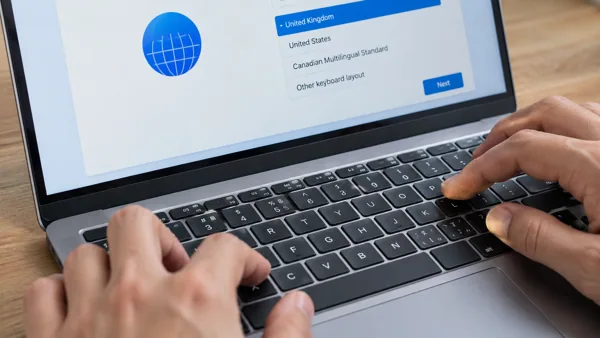 Keyboard, mouse and touchpad help
A laptop keyboard during initial setup: diagnostic checks
For a laptop keyboard during initial setup, start by recording the exact symptom and comparing one controlled change. Identify the intended connection method and supported layout. Distinguish a wrong character, a…
Read guide →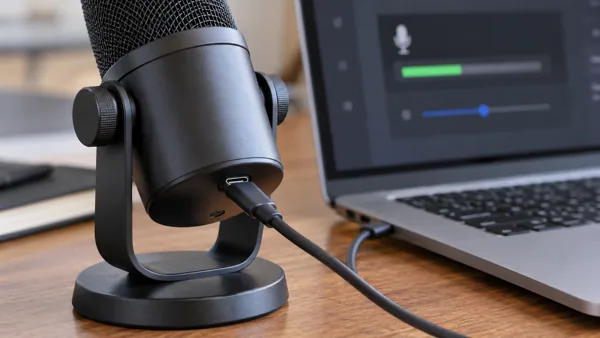 Audio, video and meeting devices
A microphone after replacing the device: diagnostic checks
For a microphone after replacing the device, start by recording the exact symptom and comparing one controlled change. Confirm connection type, supported software and the app’s saved selection. Distinguish mute, input…
Read guide → Network connection troubleshooting
A VPN connection after waking the computer: diagnostic checks
For a VPN connection after waking the computer, start by recording the exact symptom and comparing one controlled change. Compare a normal reconnect with a fresh start and the same service. Identify the VPN client,…
Read guide → Hardware diagnosis
Chip-Level Laptop Servicing in Delhi
Use model-specific diagnostic evidence before approving board-level work or replacing components. Record indicator patterns and the history of the fault.
Read guide →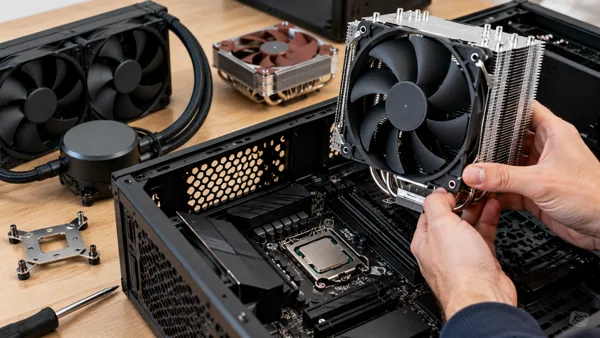 PC component buying advice
Choosing a CPU cooler for a new computer build
When choosing a CPU cooler for a new computer build, begin with compatibility and the actual task. Plan the complete compatible parts list before purchasing individually. Confirm socket mounting, case clearance and the…
Read guide →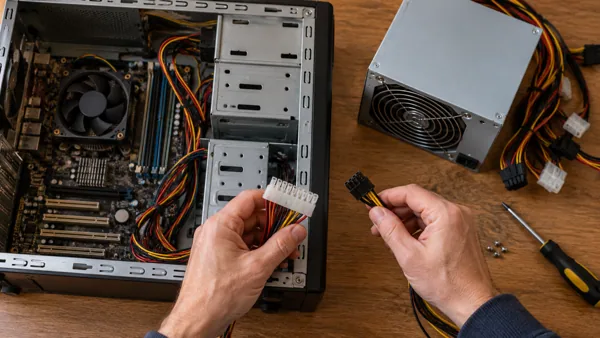 Power equipment buying advice
Choosing a desktop power supply for an older computer
When choosing a desktop power supply for an older computer, begin with compatibility and the actual task. Identify exact model and original power requirements. Check system requirements, form factor, required…
Read guide →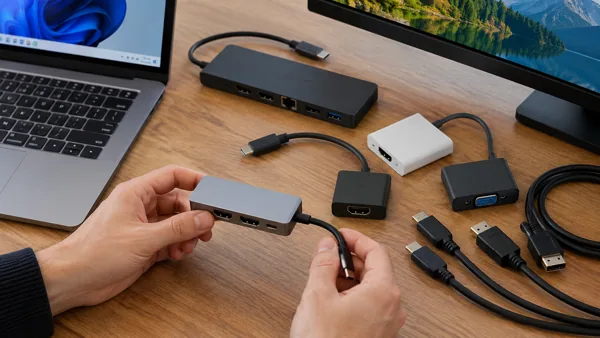 Dock, hub and cable buying advice
Choosing a display adapter for a Windows setup
When choosing a display adapter for a Windows setup, begin with compatibility and the actual task. Check model-specific ports, drivers and supported display modes. Confirm source-to-display direction, required mode and…
Read guide →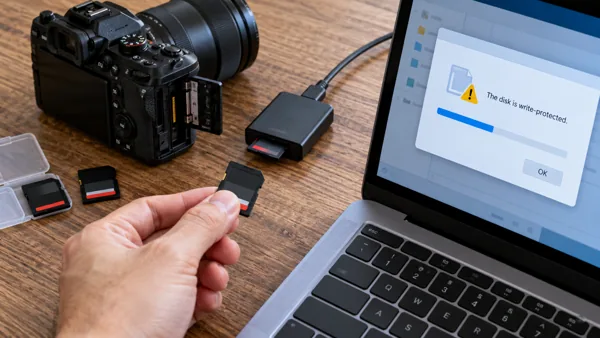 Storage and file access
A camera memory card when access becomes read-only: diagnostic checks
For a camera memory card when access becomes read-only, start by recording the exact symptom and comparing one controlled change. Inspect device protection, permissions and any filesystem warning without forcing…
Read guide → Mac help
A file opens in the wrong Mac application
Use Open With for a one-time choice, or Get Info to change the default association for that type. Confirm the scope before choosing Change All.
Read guide →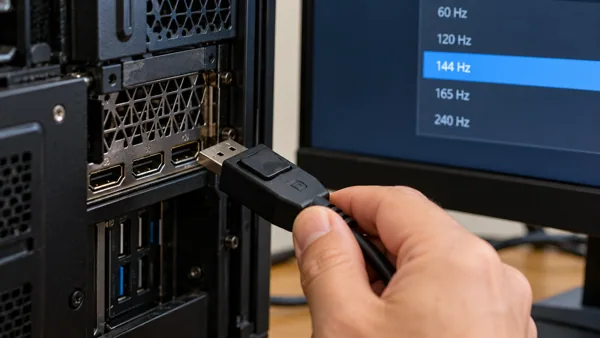 Display and monitor troubleshooting
A DisplayPort connection at a higher refresh rate: diagnostic checks
For a DisplayPort connection at a higher refresh rate, start by recording the exact symptom and comparing one controlled change. Confirm support for the exact resolution and refresh-rate combination along the full…
Read guide →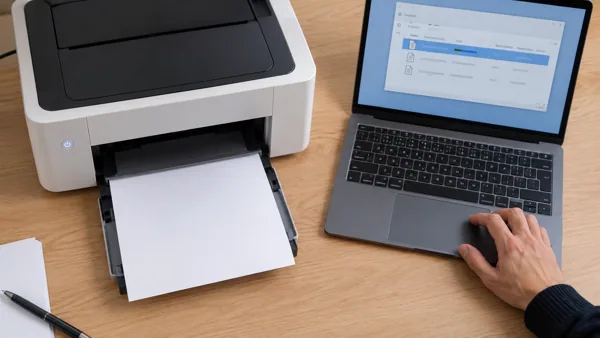 Printer and scanner troubleshooting
A stalled print queue after the printer wakes from sleep: diagnostic checks
For a stalled print queue after the printer wakes from sleep, start by recording the exact symptom and comparing one controlled change. Compare a normal wake and a fresh supported restart. Check the selected physical…
Read guide → Keyboard, mouse and touchpad help
A laptop keyboard on a work-managed device: diagnostic checks
For a laptop keyboard on a work-managed device, start by recording the exact symptom and comparing one controlled change. Check required drivers, restrictions and accessibility needs with the administrator. Distinguish…
Read guide → Audio, video and meeting devices
A microphone after sleep or wake: diagnostic checks
For a microphone after sleep or wake, start by recording the exact symptom and comparing one controlled change. Check reconnection and device selection without changing every permission. Distinguish mute, input…
Read guide → Network connection troubleshooting
A VPN connection on a guest or public network: diagnostic checks
For a VPN connection on a guest or public network, start by recording the exact symptom and comparing one controlled change. Check for the network’s approved sign-in process and restrictions. Identify the VPN client,…
Read guide →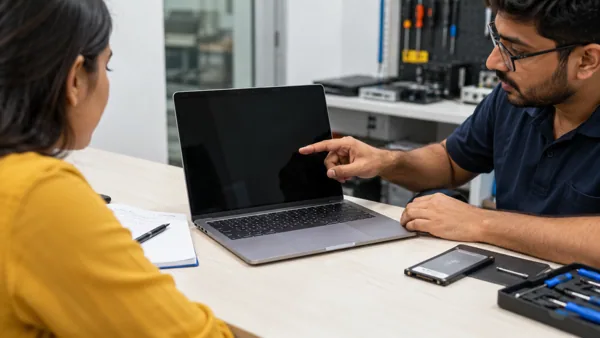 Local repair
Choosing Laptop Repair Service In Delhi
Start a repair enquiry with the full device model, symptom history and backup status. Ask for diagnosis and approval of the quote before parts are changed.
Read guide → PC component buying advice
Choosing a CPU cooler for a quieter computer
When choosing a CPU cooler for a quieter computer, begin with compatibility and the actual task. Consider workload, cooling arrangement and credible model-specific noise tests. Confirm socket mounting, case clearance…
Read guide →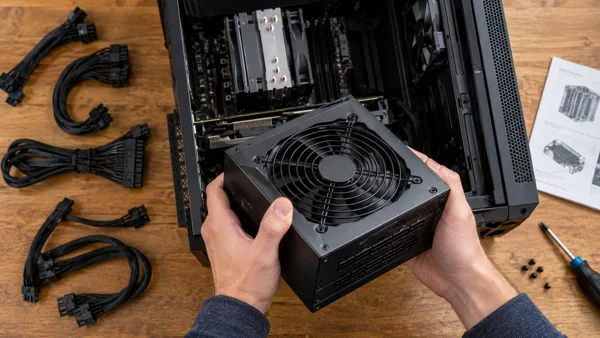 Power equipment buying advice
Choosing a desktop power supply for demanding workloads
When choosing a desktop power supply for demanding workloads, begin with compatibility and the actual task. Match the device’s supported power requirements under sustained use. Check system requirements, form factor,…
Read guide →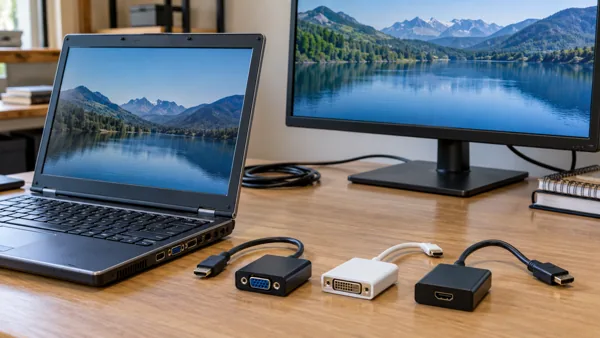 Dock, hub and cable buying advice
Choosing a display adapter for an older laptop
When choosing a display adapter for an older laptop, begin with compatibility and the actual task. Check the actual port capabilities rather than the product’s connector appearance. Confirm source-to-display direction,…
Read guide → Storage and file access
A camera memory card when expected folders are absent: diagnostic checks
For a camera memory card when expected folders are absent, start by recording the exact symptom and comparing one controlled change. Check the correct account, partition, path and hidden-item view before running…
Read guide → Email help
A Gmail filter catches messages you wanted to keep in the inbox
Test the filter's search criteria against existing mail before changing its action. A broad match can archive or delete more than you intended.
Read guide →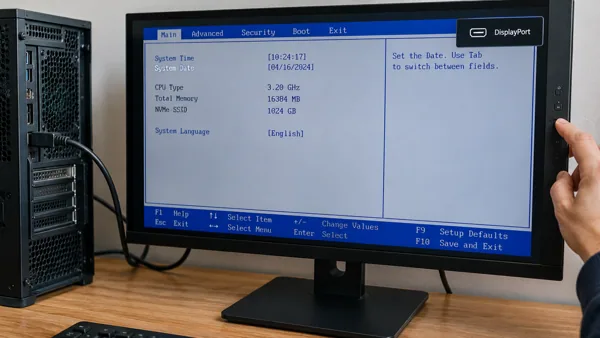 Display and monitor troubleshooting
A DisplayPort connection before Windows starts: diagnostic checks
For a DisplayPort connection before Windows starts, start by recording the exact symptom and comparing one controlled change. Look for the symptom on firmware or manufacturer startup screens. Check the cable, adapter…
Read guide → Printer and scanner troubleshooting
A stalled print queue during a new installation: diagnostic checks
For a stalled print queue during a new installation, start by recording the exact symptom and comparing one controlled change. Match the exact model and connection method with the supported setup process. Check the…
Read guide →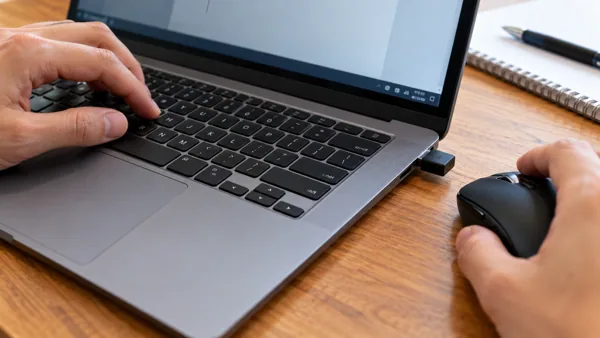 Keyboard, mouse and touchpad help
A laptop keyboard when an external input device is attached: diagnostic checks
For a laptop keyboard when an external input device is attached, start by recording the exact symptom and comparing one controlled change. Compare the built-in and external devices separately using the same task.…
Read guide → Audio, video and meeting devices
A microphone when access is denied: diagnostic checks
For a microphone when access is denied, start by recording the exact symptom and comparing one controlled change. Inspect the relevant system and app permission using supported settings. Distinguish mute, input…
Read guide →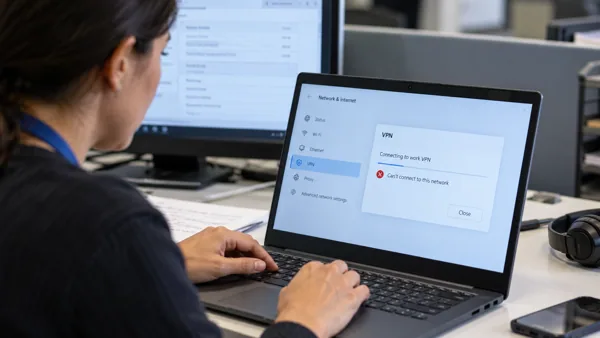 Network connection troubleshooting
A VPN connection on a managed work device: diagnostic checks
For a VPN connection on a managed work device, start by recording the exact symptom and comparing one controlled change. Check required proxy, VPN and security policy with the administrator. Identify the VPN client,…
Read guide →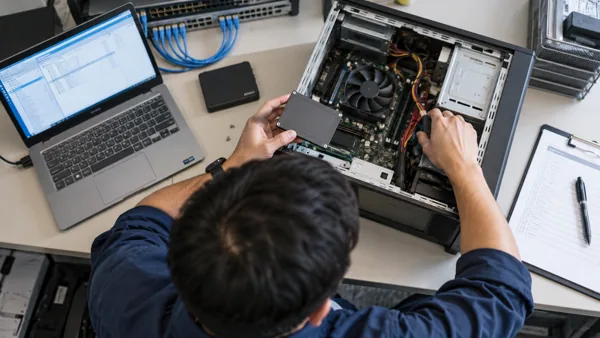 Local repair
Commercial It Support And Amc Services
If you are searching for commercial it support and amc services , you are usually looking for a quick explanation of the cause, what you can safely check yourself, and when professional repair is…
Read guide → PC component buying advice
Choosing a CPU cooler for an existing-system upgrade
When choosing a CPU cooler for an existing-system upgrade, begin with compatibility and the actual task. Identify current parts, firmware and the genuine bottleneck. Confirm socket mounting, case clearance and the…
Read guide →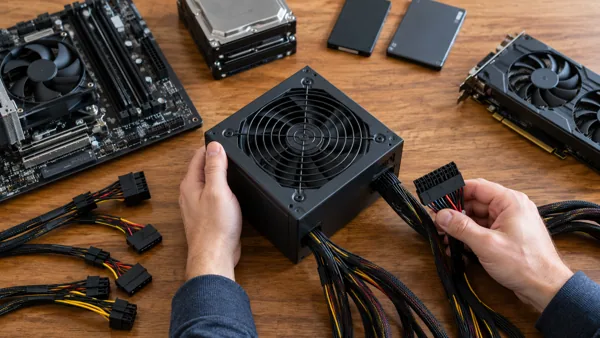 Power equipment buying advice
Choosing a desktop power supply for several devices
When choosing a desktop power supply for several devices, begin with compatibility and the actual task. Check combined load and any shared or per-port limits. Check system requirements, form factor, required connectors…
Read guide →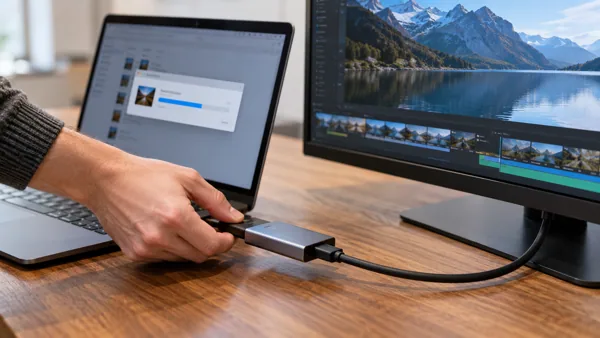 Dock, hub and cable buying advice
Choosing a display adapter for frequent large transfers
When choosing a display adapter for frequent large transfers, begin with compatibility and the actual task. Check the slowest interface and shared bandwidth in the full path. Confirm source-to-display direction,…
Read guide →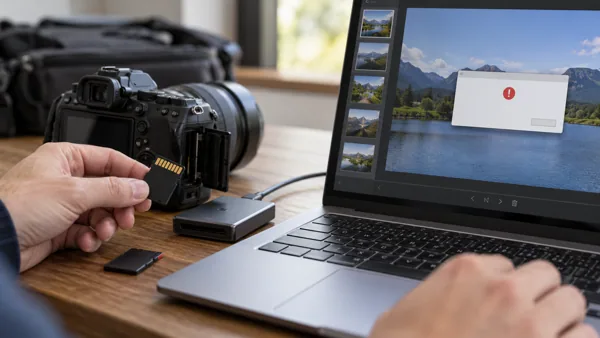 Storage and file access
A camera memory card when one application cannot open files: diagnostic checks
For a camera memory card when one application cannot open files, start by recording the exact symptom and comparing one controlled change. Try a trusted representative file in its normal supported application. Record…
Read guide →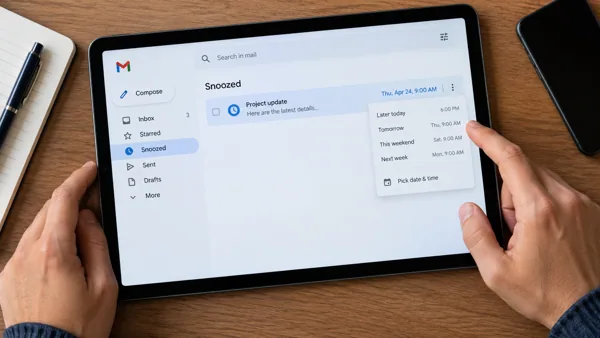 Email help
A Gmail message disappears and returns later: check Snoozed
Snoozing intentionally postpones an email's return to the inbox. Check the Snoozed view and its selected time before treating the message as lost.
Read guide → Display and monitor troubleshooting
A DisplayPort connection only in one application: diagnostic checks
For a DisplayPort connection only in one application, start by recording the exact symptom and comparing one controlled change. Compare a screenshot and another application using the same screen. Check the cable,…
Read guide → Printer and scanner troubleshooting
A stalled print queue in a shared office setup: diagnostic checks
For a stalled print queue in a shared office setup, start by recording the exact symptom and comparing one controlled change. Identify the job owner, shared queue and authorised scan destinations before making changes.…
Read guide → Keyboard, mouse and touchpad help
A laptop keyboard when input causes an unexpected action: diagnostic checks
For a laptop keyboard when input causes an unexpected action, start by recording the exact symptom and comparing one controlled change. Check modifier keys, layout and relevant accessibility shortcuts. Distinguish a…
Read guide →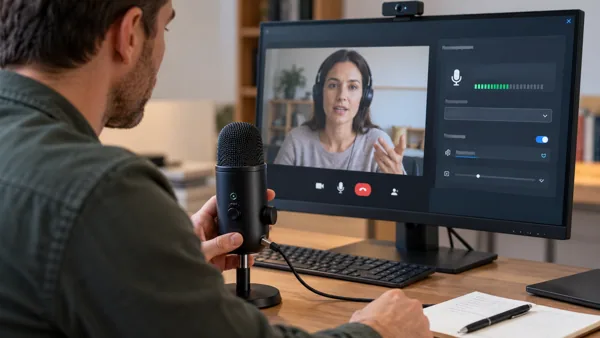 Audio, video and meeting devices
A microphone when another person reports the problem: diagnostic checks
For a microphone when another person reports the problem, start by recording the exact symptom and comparing one controlled change. Distinguish local playback, local capture and the remote person’s connection.…
Read guide →No matching guides. Try another device, symptom or purchase requirement.