Repair guides and buying advice — Page 23
Understand the fault. Check the fit. Make a better-informed choice for your technology.
1,602 guides · Page 23 of 45
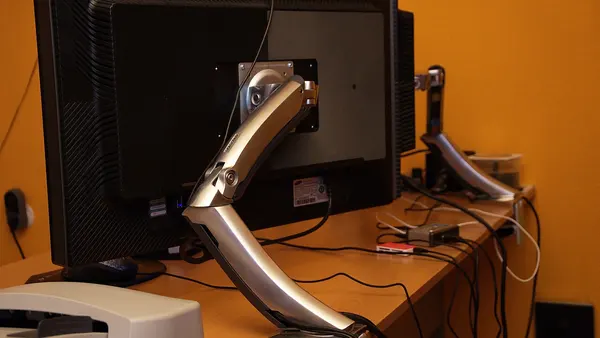 Monitor buying advice
Choosing a larger desktop monitor for a two-monitor setup
When choosing a larger desktop monitor for a two-monitor setup, begin with compatibility and the actual task. Check combined output limits, matching scaling and cable routes. Match resolution, viewing distance, desk…
Read guide → Printer and scanner troubleshooting
Printer output quality after a driver or system update: diagnostic checks
For printer output quality after a driver or system update, start by recording the exact symptom and comparing one controlled change. Record the exact model, driver and changed application settings. Compare a…
Read guide → Input devices
Keyboard Keys Not Working On Laptop
Separate device settings from physical input faults before ordering parts. Compare a known-working external input device and record exactly which functions…
Read guide → Peripheral buying advice
Choosing an external microphone for long work sessions
When choosing an external microphone for long work sessions, begin with compatibility and the actual task. Prioritise fit, positioning, fatigue and maintainability. Check connection type, compatible input and the room…
Read guide → Network connection troubleshooting
DNS resolution after a system update: diagnostic checks
For DNS resolution after a system update, start by recording the exact symptom and comparing one controlled change. Record the adapter and client versions and identify which service stopped working. Compare access to…
Read guide → Local repair
Laptop Repair in Vasant Kunj: On-Site Fixes for Homes and Small Offices
Start a repair enquiry with the full device model, symptom history and backup status. Ask for diagnosis and approval of the quote before parts are changed.
Read guide →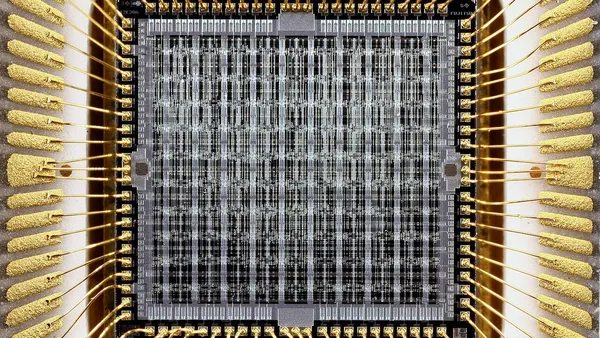 PC component buying advice
Choosing a processor for a quieter computer
When choosing a processor for a quieter computer, begin with compatibility and the actual task. Consider workload, cooling arrangement and credible model-specific noise tests. Check motherboard and firmware support,…
Read guide →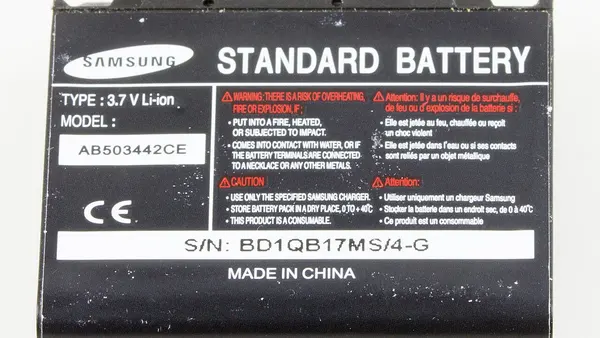 Charging and power faults
Laptop battery runtime after changing the adapter: diagnostic checks
For laptop battery runtime after changing the adapter, start by recording the exact symptom and comparing one controlled change. Compare the required voltage, supported power profile and genuine model compatibility.…
Read guide → Storage buying advice
Choosing a SATA SSD for large video files
When choosing a SATA SSD for large video files, begin with compatibility and the actual task. Check actual file sizes, sustained transfers and filesystem requirements. Check the computer’s supported SATA form factor,…
Read guide →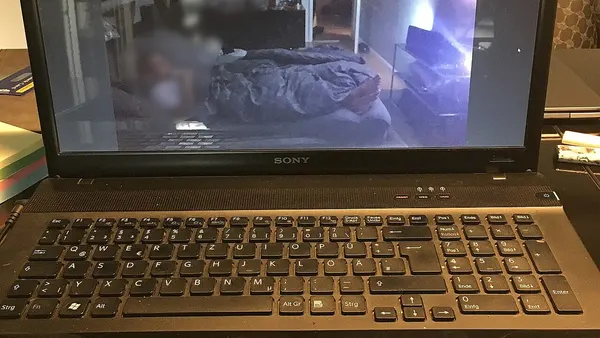 Computer buying advice
Choosing a refurbished laptop for programming work
When choosing a refurbished laptop for programming work, begin with compatibility and the actual task. Match the development tools, virtualisation needs, memory and operating system. Verify exact model, supported…
Read guide → Monitor buying advice
Choosing a larger desktop monitor for easier everyday viewing
When choosing a larger desktop monitor for easier everyday viewing, begin with compatibility and the actual task. Check text scaling, controls, glare and comfortable positioning. Match resolution, viewing distance,…
Read guide → Printer and scanner troubleshooting
Printer output quality after reconnecting a cable or network: diagnostic checks
For printer output quality after reconnecting a cable or network, start by recording the exact symptom and comparing one controlled change. Check that the selected connection and saved destination still identify the…
Read guide → Input devices
Laptop Keyboard Keys Not Working Fix
Separate device settings from physical input faults before ordering parts. Compare a known-working external input device and record exactly which functions…
Read guide → Peripheral buying advice
Choosing an external microphone when the budget is limited
When choosing an external microphone when the budget is limited, begin with compatibility and the actual task. Prioritise the essential function, comfort and support. Check connection type, compatible input and the…
Read guide → Network connection troubleshooting
DNS resolution after waking the computer: diagnostic checks
For DNS resolution after waking the computer, start by recording the exact symptom and comparing one controlled change. Compare a normal reconnect with a fresh start and the same service. Compare access to several…
Read guide → Local repair
Laptop Repair near Chhatarpur Metro in Delhi
Start a repair enquiry with the full device model, symptom history and backup status. Ask for diagnosis and approval of the quote before parts are changed.
Read guide → PC component buying advice
Choosing a processor for an existing-system upgrade
When choosing a processor for an existing-system upgrade, begin with compatibility and the actual task. Identify current parts, firmware and the genuine bottleneck. Check motherboard and firmware support, cooling and…
Read guide →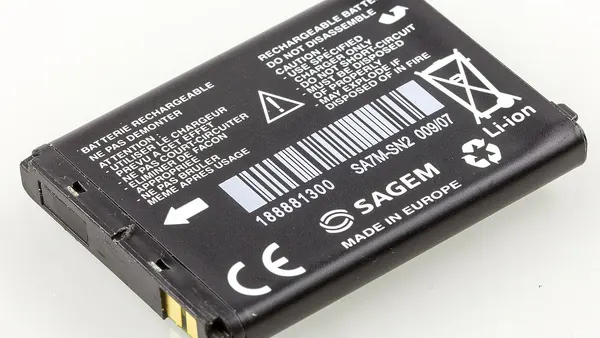 Charging and power faults
Laptop battery runtime after sleep or hibernation: diagnostic checks
For laptop battery runtime after sleep or hibernation, start by recording the exact symptom and comparing one controlled change. Check whether the state differs after a full shutdown and start. Compare observed use…
Read guide →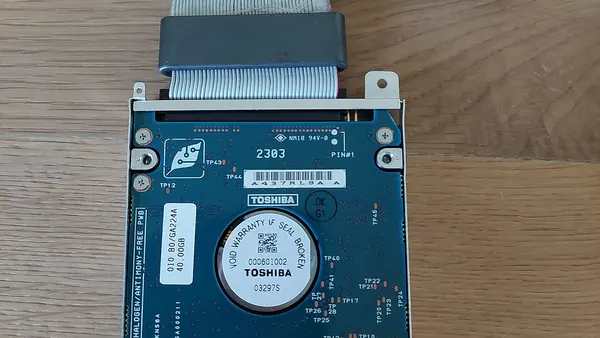 Storage buying advice
Choosing a SATA SSD for long-term file retention
When choosing a SATA SSD for long-term file retention, begin with compatibility and the actual task. Plan periodic checks, more than one copy and a future migration route. Check the computer’s supported SATA form…
Read guide →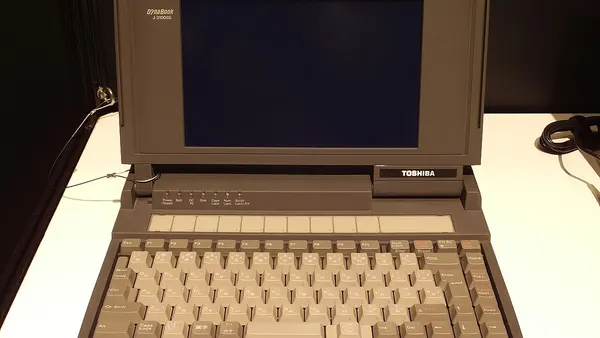 Computer buying advice
Choosing a refurbished laptop for study and online classes
When choosing a refurbished laptop for study and online classes, begin with compatibility and the actual task. Prioritise required course software, readable text, input comfort and reliable calls. Verify exact model,…
Read guide → Monitor buying advice
Choosing a larger desktop monitor for gaming
When choosing a larger desktop monitor for gaming, begin with compatibility and the actual task. Match refresh rate, resolution and supported input features to the actual system. Match resolution, viewing distance,…
Read guide →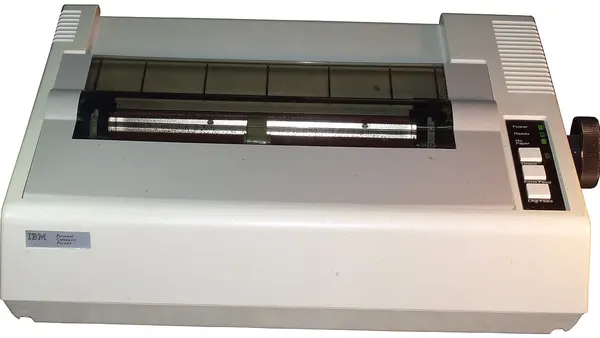 Printer and scanner troubleshooting
Printer output quality after the printer wakes from sleep: diagnostic checks
For printer output quality after the printer wakes from sleep, start by recording the exact symptom and comparing one controlled change. Compare a normal wake and a fresh supported restart. Compare a device-generated…
Read guide → Input devices
Laptop Keyboard Replacement in Delhi
Separate device settings from physical input faults before ordering parts. Compare a known-working external input device and record exactly which functions…
Read guide → Audio, video and meeting devices
Computer speaker playback after an app or system update: diagnostic checks
For computer speaker playback after an app or system update, start by recording the exact symptom and comparing one controlled change. Compare version changes and the current device and permission selections. Check…
Read guide → Network connection troubleshooting
DNS resolution on a guest or public network: diagnostic checks
For DNS resolution on a guest or public network, start by recording the exact symptom and comparing one controlled change. Check for the network’s approved sign-in process and restrictions. Compare access to several…
Read guide → Local repair
Laptop Repair Near Me in Delhi
Start a repair enquiry with the full device model, symptom history and backup status. Ask for diagnosis and approval of the quote before parts are changed.
Read guide → PC component buying advice
Choosing a processor for creative applications
When choosing a processor for creative applications, begin with compatibility and the actual task. Check the software’s actual hardware and acceleration support. Check motherboard and firmware support, cooling and the…
Read guide →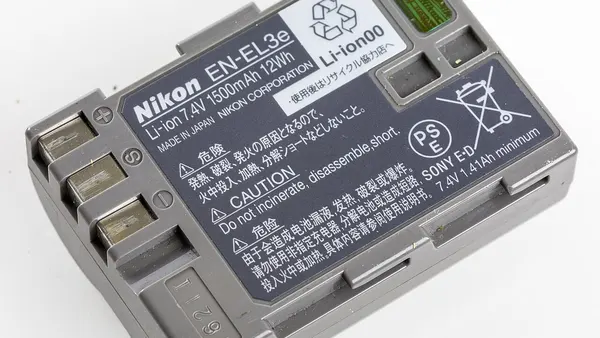 Charging and power faults
Laptop battery runtime after using the computer away from home: diagnostic checks
For laptop battery runtime after using the computer away from home, start by recording the exact symptom and comparing one controlled change. Identify the adapter, socket, dock and accessories used in each location.…
Read guide →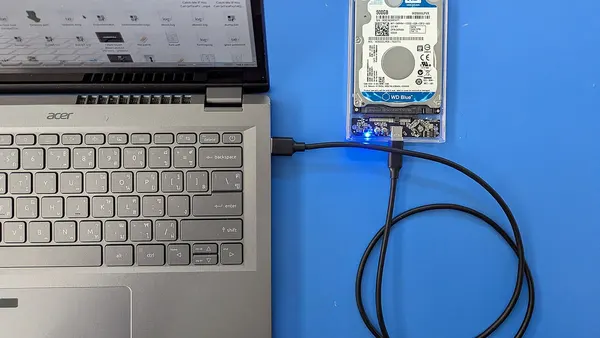 Storage buying advice
Choosing a SATA SSD for regular backups
When choosing a SATA SSD for regular backups, begin with compatibility and the actual task. Prioritise independent copies, sufficient capacity and a recovery workflow. Check the computer’s supported SATA form factor,…
Read guide →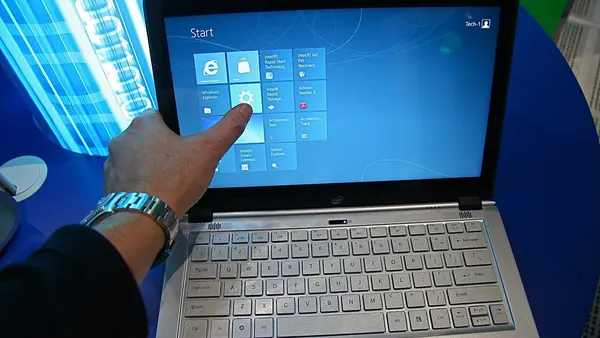 Computer buying advice
Choosing a refurbished laptop for video editing
When choosing a refurbished laptop for video editing, begin with compatibility and the actual task. Check the actual codec, software, graphics support and sustained workload. Verify exact model, supported operating…
Read guide →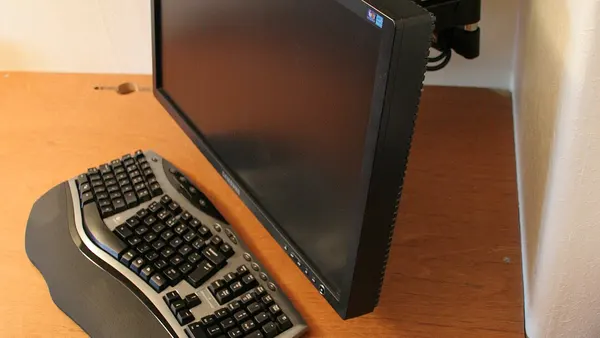 Monitor buying advice
Choosing a larger desktop monitor for long text and spreadsheet work
When choosing a larger desktop monitor for long text and spreadsheet work, begin with compatibility and the actual task. Prioritise readable text, suitable scaling and a comfortable physical setup. Match resolution,…
Read guide → Printer and scanner troubleshooting
Printer output quality during a new installation: diagnostic checks
For printer output quality during a new installation, start by recording the exact symptom and comparing one controlled change. Match the exact model and connection method with the supported setup process. Compare a…
Read guide → Input devices
Laptop Speaker Repair in Delhi
Check the selected sound output and application volume before replacing speakers. A monitor or Bluetooth accessory may have become the active audio device.
Read guide →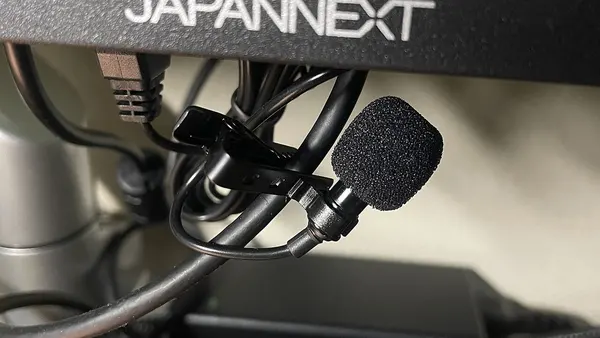 Audio, video and meeting devices
Computer speaker playback after connecting a dock: diagnostic checks
For computer speaker playback after connecting a dock, start by recording the exact symptom and comparing one controlled change. Record which audio or camera device the dock adds or replaces. Check selected output,…
Read guide → Network connection troubleshooting
DNS resolution on a managed work device: diagnostic checks
For DNS resolution on a managed work device, start by recording the exact symptom and comparing one controlled change. Check required proxy, VPN and security policy with the administrator. Compare access to several…
Read guide → Local repair
Laptop Repair Near Me in Delhi
Start a repair enquiry with the full device model, symptom history and backup status. Ask for diagnosis and approval of the quote before parts are changed.
Read guide →No matching guides. Try another device, symptom or purchase requirement.