Quick answer
System Restore targets system configuration changes, not ordinary deleted-document recovery. Choose a file-recovery method that matches how the document was stored.
Understand the issue
Establish whether the problem is a broken application after a change or a missing personal file. A restore point and a document backup serve different purposes. Avoid rolling back the system merely because the word restore appears in both workflows.
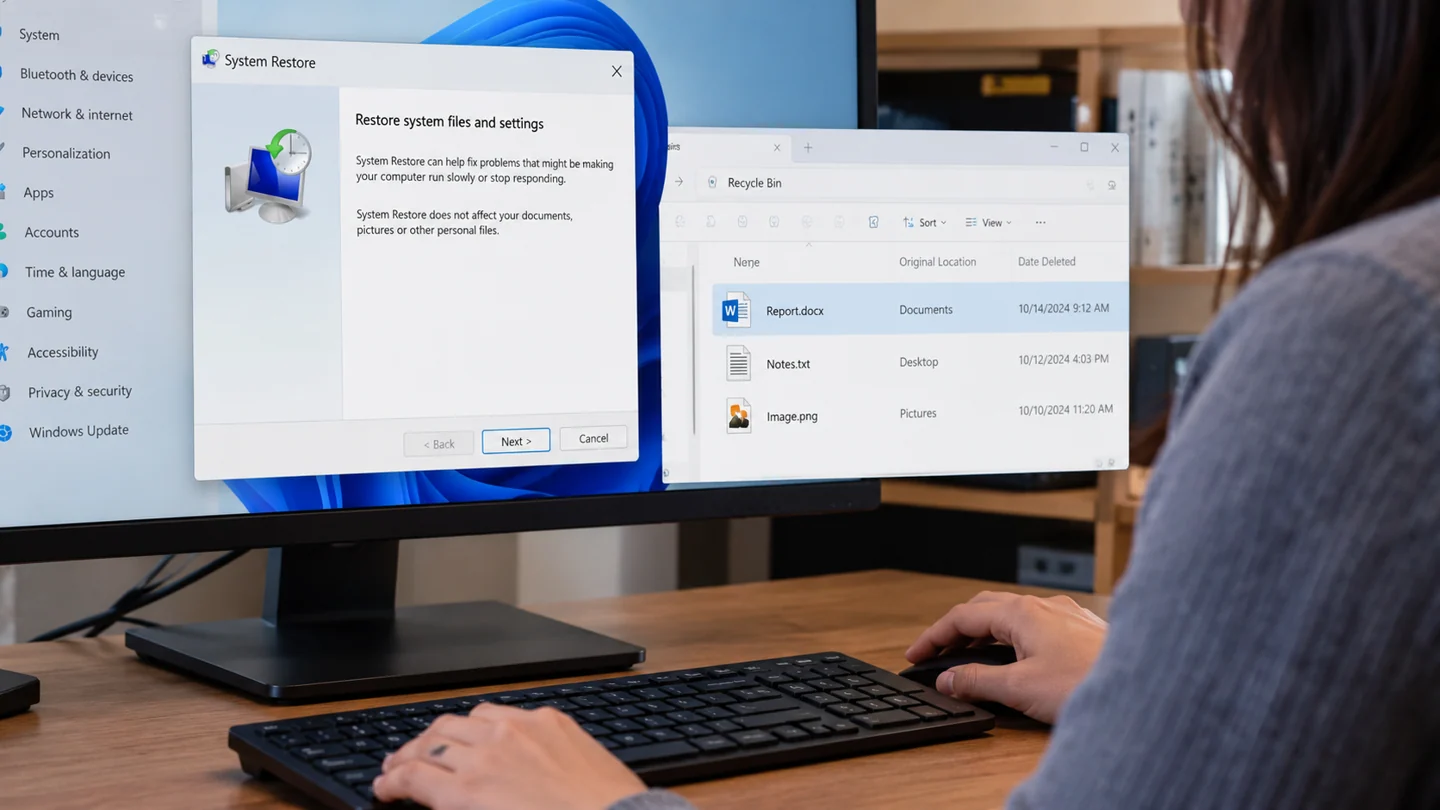
Step-by-step checks
- Identify the missing file's original location.
- Check its appropriate recycle bin, backup or version history.
- Use System Restore only when the system-change problem warrants it.
Need help with this issue?
Share your model and symptoms. Confirm availability and the quote before booking.
What the results mean
Preserve available files before a broader recovery operation and record which result you are trying to achieve.
| Stage | Action |
|---|---|
| Start | Identify the missing file's original location. |
| Compare | Check its appropriate recycle bin, backup or version history. |
| Next step | Use System Restore only when the system-change problem warrants it. |
Verify that the saved copy can actually be restored
List the folders and application data that matter before judging a backup by its success message. Desktop files, email archives, project dependencies and a second drive may sit outside the default selection. Record the backup destination, account and date so you can identify the right copy during recovery.
Test restoration into a separate location rather than overwriting your working files. Choose a recent file, an older version and an example that depends on linked assets. Open the restored items in their normal applications and compare their contents. A folder listing or matching filename is not enough to establish a usable recovery copy.
Consider what happens if the original device, account or building is unavailable. Keep recovery information accessible through an appropriate secure route and avoid storing every copy beside the computer. Sync and backup can overlap, but check deletion recovery, version retention and account access instead of assuming they offer identical protection. Repeat the restore test after changing destinations, encryption, folder selections or backup software, and keep a short record of what was successfully tested.
Before you finish
- Folder coverage checked
- Destination and recovery access recorded
- Sample restored to a separate location
- Old and recent versions opened successfully
Repair checklist
If you need help, send RJ Computers your device model and the results of the checks above. Explain what must be preserved before work starts, especially files that have no other copy.
- Confirm assessment charges and what the quote includes.
- Ask for approval before additional parts or destructive software changes.
- Test the original symptom at handover and keep the repair details.
Ready for an assessment?
Share your model and symptoms. Confirm availability and the quote before booking.
Frequently asked questions
Does creating restore points replace backing up Documents?
No. Maintain separate protection for personal files.
What should I record before requesting help?
Record the full model, exact error or symptom, recent changes and what you already tried. Explain whether important files have a separate backup.
How do I arrange a repair assessment?
Call RJ Computers on +91 99715 24677 or use the WhatsApp booking button. Confirm availability, diagnostic fees and the scope of work before booking.
Conclusion
Preserve available files before a broader recovery operation and record which result you are trying to achieve.
Further reading: Official product guidance