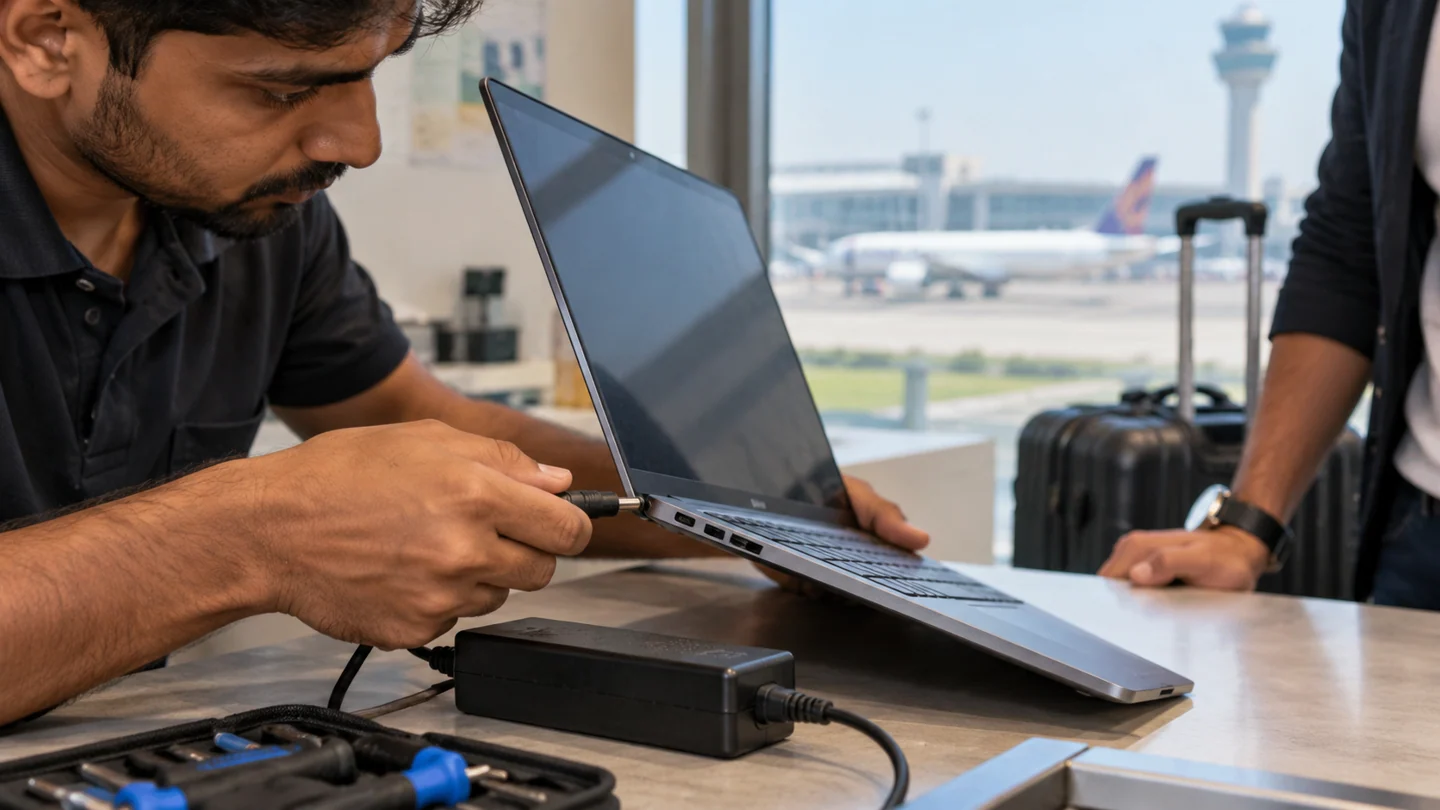
Mahipalpur's proximity to IGI Airport means a lot of our calls here come from people with a tight window — a business traveller whose laptop has stopped charging the night before a flight, or a small hotel or travel-agency office that needs its front-desk computer working again fast. Turnaround time matters more here than in most areas we cover.
What we see most in Mahipalpur
Charging and battery faults top the list, often flagged urgently because of an upcoming flight or meeting. Small hotel and guesthouse offices call for printer and billing-desktop issues — offline printers, slow systems during check-in rushes, and the occasional virus from shared or public-facing computers. We also get laptop screen repairs from luggage-related damage more often here than elsewhere.
What a visit covers
- Urgent charging and battery diagnosis — prioritised when there's a travel deadline.
- Screen replacement — including damage from transit or luggage handling.
- Desktop and printer repair for small offices — hotels, guesthouses and travel agencies.
- Virus and malware cleanup — particularly for shared or front-desk systems.
- Data recovery — from drives that have failed or won't boot.
- Windows and software installation — clean installs with the software your business runs on.
Why a doorstep visit suits Mahipalpur
Between hotel front desks that can't go offline for long and travellers with a flight to catch, waiting days for a shop repair usually isn't an option. We diagnose on the spot, tell you honestly whether it's a same-visit fix, and prioritise based on your timeline.
Booking a visit
Call or WhatsApp with your hotel, office or residential location in Mahipalpur, the device, and your timeline — flag if you're travelling soon, and we'll prioritise accordingly.
Prepare a useful repair enquiry and agree the scope
Share the device model, exact symptom and neighbourhood before arranging a visit. Describe whether there are power lights, sounds, an error message or a failure during one particular task. Mention recent liquid exposure, impact or parts changes because those details affect what equipment and assessment may be needed.
Confirm timing and charges directly rather than treating a service-area list as a live appointment calendar. Ask what the assessment covers, whether parts are extra and what happens if the work needs workshop equipment. A screen, battery or keyboard must match the exact model, while board-level or intermittent faults can require more investigation than a routine setup visit.
Back up accessible files and explain what must be preserved before any reset, reinstall or storage replacement. Provide address and access details privately through the agreed contact channel. After work, repeat the original failing task and check relevant charging, display, network or peripheral behaviour. Keep a plain record of the diagnosis, approved work, replaced parts and follow-up terms. A working startup alone does not verify every issue that prompted the visit.
Before you finish
- Model, symptom and neighbourhood shared
- Assessment scope and charges agreed
- Files and recovery access protected
- Original fault and agreed work checked together