Repair guides and buying advice — Page 8
Understand the fault. Check the fit. Make a better-informed choice for your technology.
1,602 guides · Page 8 of 45
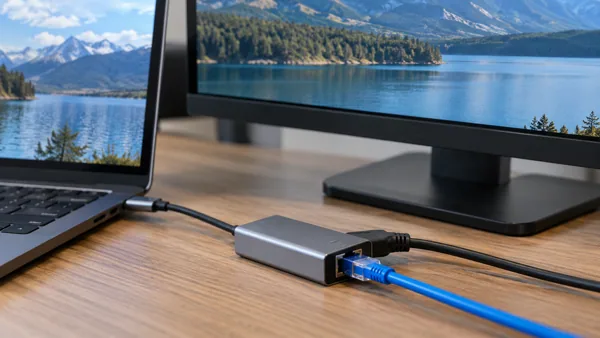 Dock, hub and cable buying advice
Choosing a USB network adapter for a single external monitor
When choosing a USB network adapter for a single external monitor, begin with compatibility and the actual task. Check the exact resolution and refresh-rate requirement. Check host interface, operating-system support…
Read guide →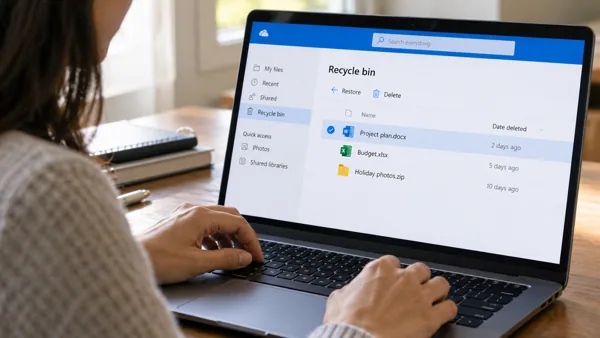 Files and backup
A OneDrive file was deleted: check the correct cloud recycle bin
Check OneDrive's recycle bin in the account that owned the file. Cloud deletion recovery differs from looking only in the computer's Recycle Bin.
Read guide →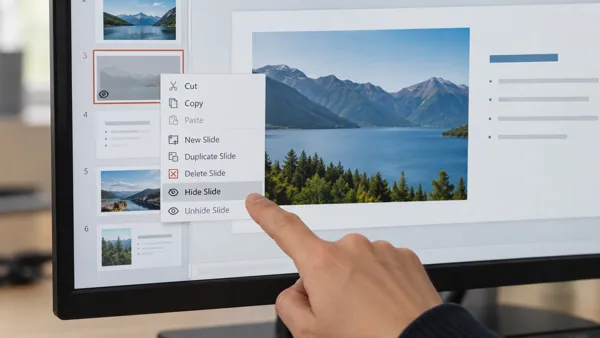 Office help
A PowerPoint slide is skipped during the presentation
Check whether the skipped slide is marked hidden. Hidden slides remain in the file but are omitted from the normal slide-show sequence.
Read guide → Display and monitor troubleshooting
A multi-monitor layout after sleep and wake: diagnostic checks
For a multi-monitor layout after sleep and wake, start by recording the exact symptom and comparing one controlled change. Compare a reconnect with a normal restart using the same display settings. Match Windows or…
Read guide → Printer and scanner buying advice
Choosing a laser printer for a shared team
When choosing a laser printer for a shared team, begin with compatibility and the actual task. Check network access, permissions and a manageable support workflow. Check monochrome or colour needs, media support,…
Read guide → Keyboard, mouse and touchpad help
A wired mouse after the computer wakes: diagnostic checks
For a wired mouse after the computer wakes, start by recording the exact symptom and comparing one controlled change. Check device reconnection and whether a fresh start behaves differently. Check the selected…
Read guide →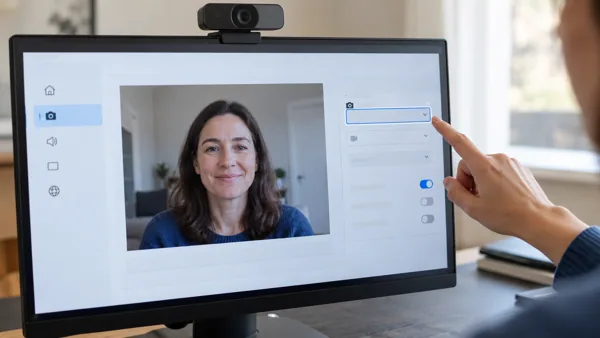 Audio, video and meeting devices
A webcam after an app or system update: diagnostic checks
For a webcam after an app or system update, start by recording the exact symptom and comparing one controlled change. Compare version changes and the current device and permission selections. Check the correct camera,…
Read guide → Networking equipment buying advice
Choosing a mesh Wi-Fi system for a small home
When choosing a mesh Wi-Fi system for a small home, begin with compatibility and the actual task. Match coverage and device needs to the actual layout. Check unit placement, backhaul options and compatibility with the…
Read guide →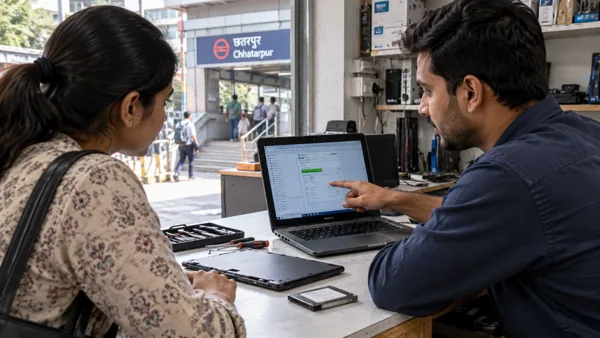 Local repair
Computer Repair near Chhatarpur Metro in Delhi
Start a repair enquiry with the full device model, symptom history and backup status. Ask for diagnosis and approval of the quote before parts are changed.
Read guide →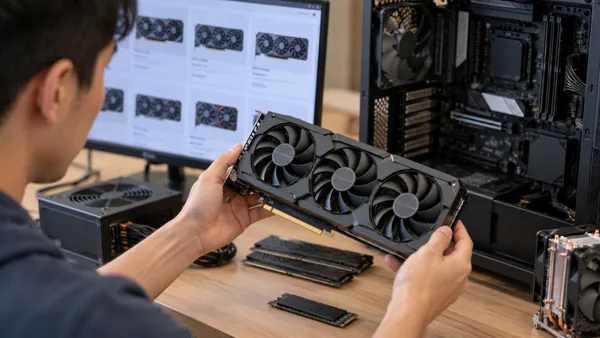 PC component buying advice
Choosing a graphics card for a new computer build
When choosing a graphics card for a new computer build, begin with compatibility and the actual task. Plan the complete compatible parts list before purchasing individually. Check application requirements, case…
Read guide → Power equipment buying advice
Choosing a replacement laptop battery for an older computer
When choosing a replacement laptop battery for an older computer, begin with compatibility and the actual task. Identify exact model and original power requirements. Confirm exact part compatibility and the laptop’s…
Read guide →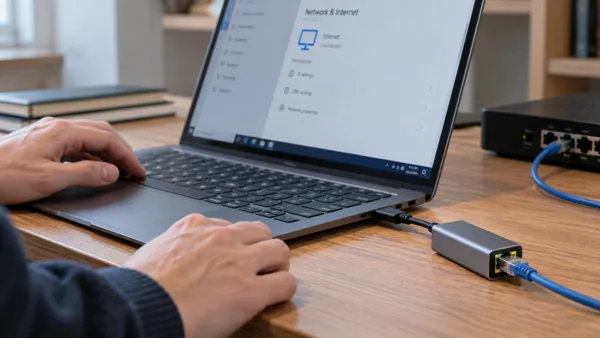 Dock, hub and cable buying advice
Choosing a USB network adapter for a Windows setup
When choosing a USB network adapter for a Windows setup, begin with compatibility and the actual task. Check model-specific ports, drivers and supported display modes. Check host interface, operating-system support and…
Read guide → Files and backup
A OneDrive sharing link says access denied
Check which account the recipient is using and what access the link grants. A valid-looking URL does not guarantee permission for every account.
Read guide →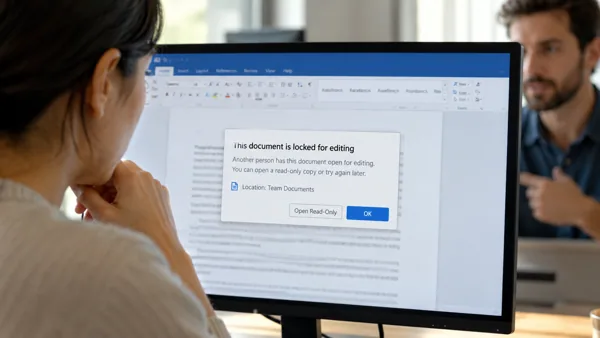 Office help
A shared Office document says another person has locked it for editing
Confirm whether someone is still editing the shared file before attempting to remove a lock. A legitimate editing session needs coordination, not forced…
Read guide →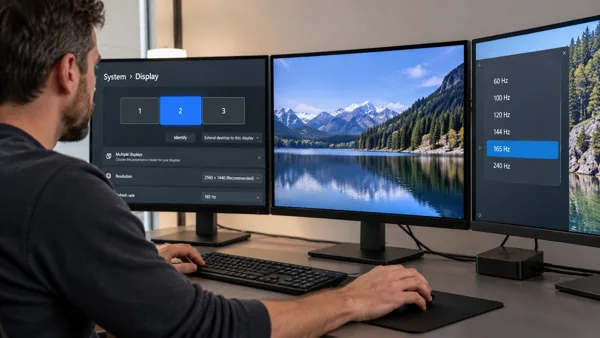 Display and monitor troubleshooting
A multi-monitor layout at a higher refresh rate: diagnostic checks
For a multi-monitor layout at a higher refresh rate, start by recording the exact symptom and comparing one controlled change. Confirm support for the exact resolution and refresh-rate combination along the full signal…
Read guide →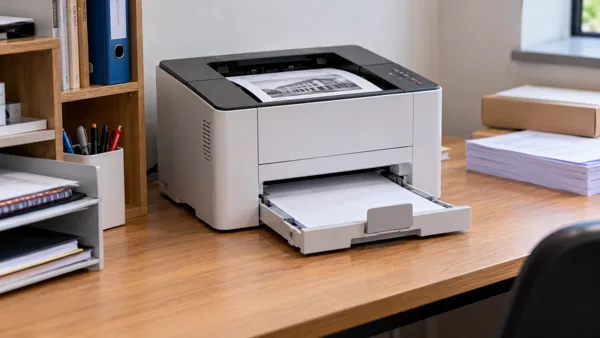 Printer and scanner buying advice
Choosing a laser printer for a small workspace
When choosing a laser printer for a small workspace, begin with compatibility and the actual task. Check dimensions with trays open and space for paper access. Check monochrome or colour needs, media support, duplex…
Read guide → Keyboard, mouse and touchpad help
A wired mouse during initial setup: diagnostic checks
For a wired mouse during initial setup, start by recording the exact symptom and comparing one controlled change. Identify the intended connection method and supported layout. Check the selected application, physical…
Read guide →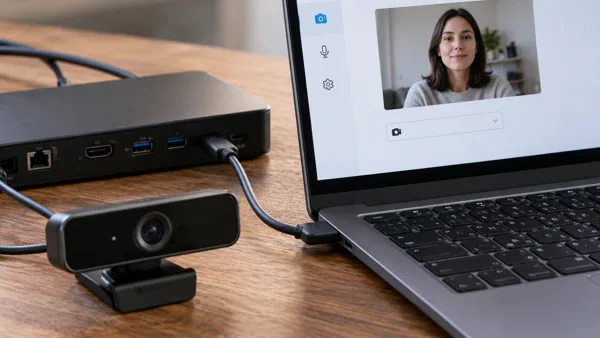 Audio, video and meeting devices
A webcam after connecting a dock: diagnostic checks
For a webcam after connecting a dock, start by recording the exact symptom and comparing one controlled change. Record which audio or camera device the dock adds or replaces. Check the correct camera, application…
Read guide →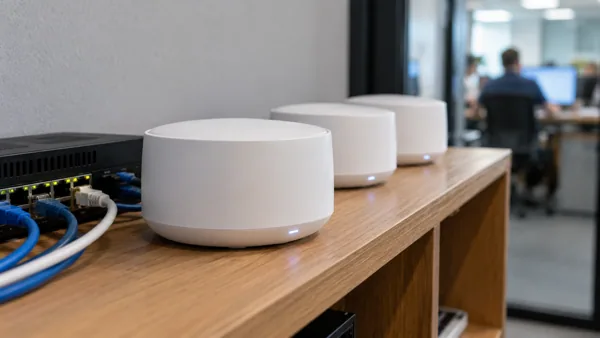 Networking equipment buying advice
Choosing a mesh Wi-Fi system for a small office
When choosing a mesh Wi-Fi system for a small office, begin with compatibility and the actual task. Check required isolation, management and support responsibilities. Check unit placement, backhaul options and…
Read guide →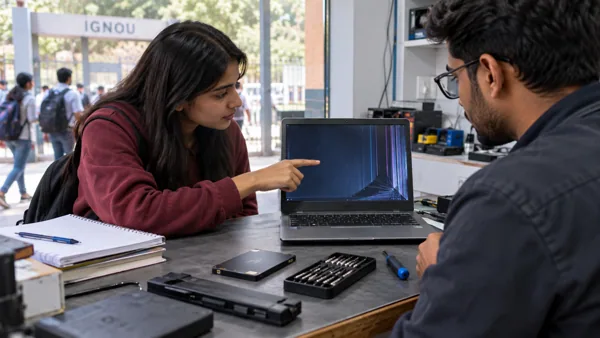 Local repair
Computer Repair Near IGNOU: Built Around Deadlines, Not Queues
Start a repair enquiry with the full device model, symptom history and backup status. Ask for diagnosis and approval of the quote before parts are changed.
Read guide → PC component buying advice
Choosing a graphics card for a quieter computer
When choosing a graphics card for a quieter computer, begin with compatibility and the actual task. Consider workload, cooling arrangement and credible model-specific noise tests. Check application requirements, case…
Read guide →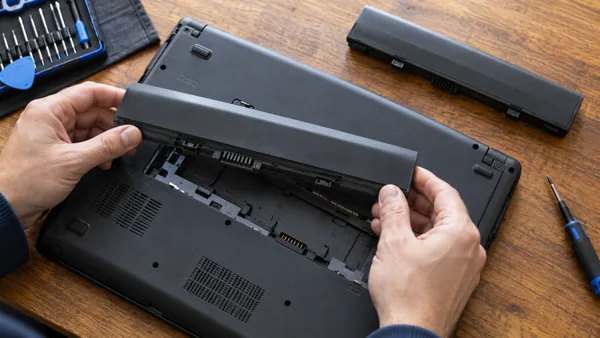 Power equipment buying advice
Choosing a replacement laptop battery for demanding workloads
When choosing a replacement laptop battery for demanding workloads, begin with compatibility and the actual task. Match the device’s supported power requirements under sustained use. Confirm exact part compatibility…
Read guide → Dock, hub and cable buying advice
Choosing a USB network adapter for an older laptop
When choosing a USB network adapter for an older laptop, begin with compatibility and the actual task. Check the actual port capabilities rather than the product’s connector appearance. Check host interface,…
Read guide → Files and backup
A program cannot find files after an external drive letter changes
Compare the path expected by the application with the drive's current letter. A changed path does not necessarily mean the files were deleted.
Read guide →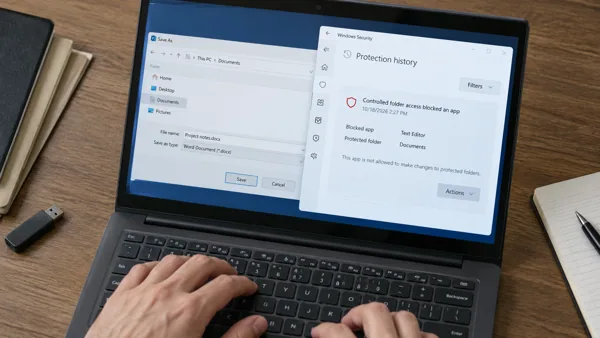 Windows security
A trusted app cannot save to a protected Windows folder
Check whether Controlled folder access recorded the blocked action. A security block is different from a full disk or ordinary folder permission problem.
Read guide →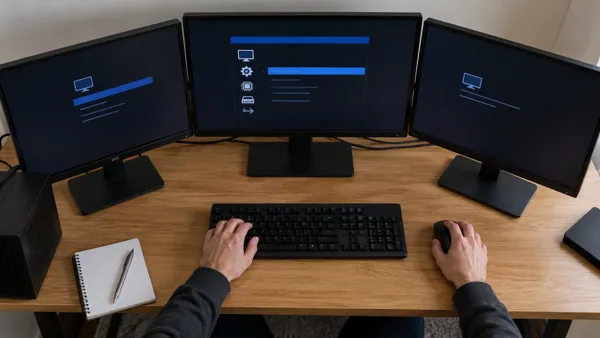 Display and monitor troubleshooting
A multi-monitor layout before Windows starts: diagnostic checks
For a multi-monitor layout before Windows starts, start by recording the exact symptom and comparing one controlled change. Look for the symptom on firmware or manufacturer startup screens. Match Windows or macOS…
Read guide →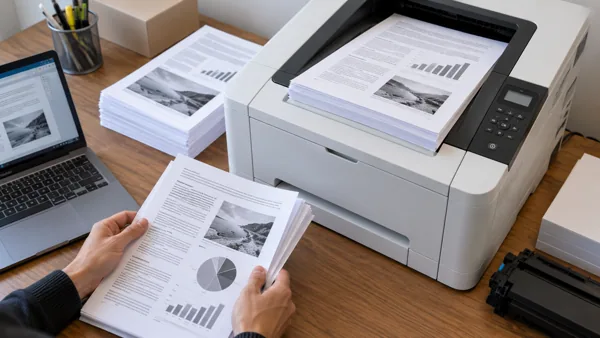 Printer and scanner buying advice
Choosing a laser printer for higher-volume work
When choosing a laser printer for higher-volume work, begin with compatibility and the actual task. Check recommended workload, feeder capacity and supply replacement. Check monochrome or colour needs, media support,…
Read guide → Keyboard, mouse and touchpad help
A wired mouse on a work-managed device: diagnostic checks
For a wired mouse on a work-managed device, start by recording the exact symptom and comparing one controlled change. Check required drivers, restrictions and accessibility needs with the administrator. Check the…
Read guide →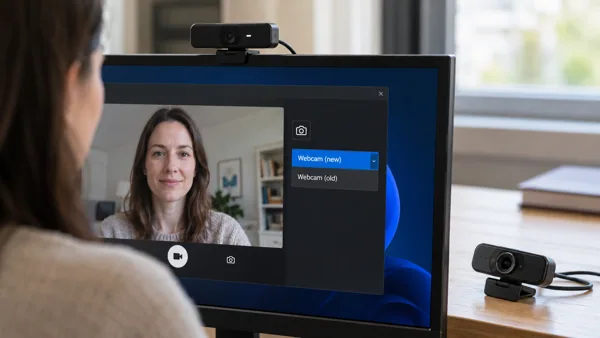 Audio, video and meeting devices
A webcam after replacing the device: diagnostic checks
For a webcam after replacing the device, start by recording the exact symptom and comparing one controlled change. Confirm connection type, supported software and the app’s saved selection. Check the correct camera,…
Read guide → Networking equipment buying advice
Choosing a mesh Wi-Fi system for frequent video calls
When choosing a mesh Wi-Fi system for frequent video calls, begin with compatibility and the actual task. Prioritise dependable coverage and upstream service quality. Check unit placement, backhaul options and…
Read guide → Local repair
Computer Repair Near Me in Delhi
Start a repair enquiry with the full device model, symptom history and backup status. Ask for diagnosis and approval of the quote before parts are changed.
Read guide →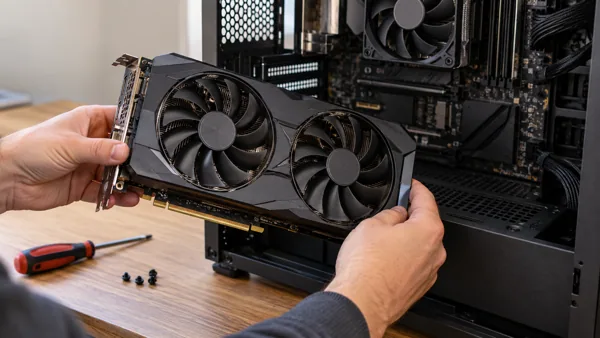 PC component buying advice
Choosing a graphics card for an existing-system upgrade
When choosing a graphics card for an existing-system upgrade, begin with compatibility and the actual task. Identify current parts, firmware and the genuine bottleneck. Check application requirements, case clearance,…
Read guide → Power equipment buying advice
Choosing a replacement laptop battery for several devices
When choosing a replacement laptop battery for several devices, begin with compatibility and the actual task. Check combined load and any shared or per-port limits. Confirm exact part compatibility and the laptop’s…
Read guide → Dock, hub and cable buying advice
Choosing a USB network adapter for frequent large transfers
When choosing a USB network adapter for frequent large transfers, begin with compatibility and the actual task. Check the slowest interface and shared bandwidth in the full path. Check host interface, operating-system…
Read guide →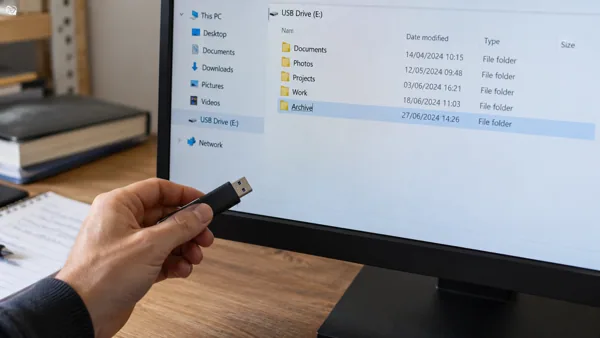 Storage and file access
A USB flash drive after folders were renamed or moved: diagnostic checks
For a USB flash drive after folders were renamed or moved, start by recording the exact symptom and comparing one controlled change. Compare the saved path or shortcut with the file’s present location. Confirm which…
Read guide → Browser help
A video will not play in Chrome but the page loads
Separate a video-specific problem from a general connection failure. Compare another video and another trusted site before changing the browser.
Read guide →No matching guides. Try another device, symptom or purchase requirement.