Quick answer
Start a repair enquiry with the full device model, symptom history and backup status. Ask for diagnosis and approval of the quote before parts are changed.
Understand the issue
When arranging repair in Mehrauli, provide the complete service address, device model and a convenient appointment window. Confirm whether the appointment is a home visit or a workshop assessment, and ask about any travel or diagnostic charge before booking.
Useful details to discuss
- Initial fault diagnosis and symptom assessment
- Component or software testing
- Repair, replacement, installation or configuration where appropriate
- Performance and stability checks after service
- Advice on backup, maintenance and prevention
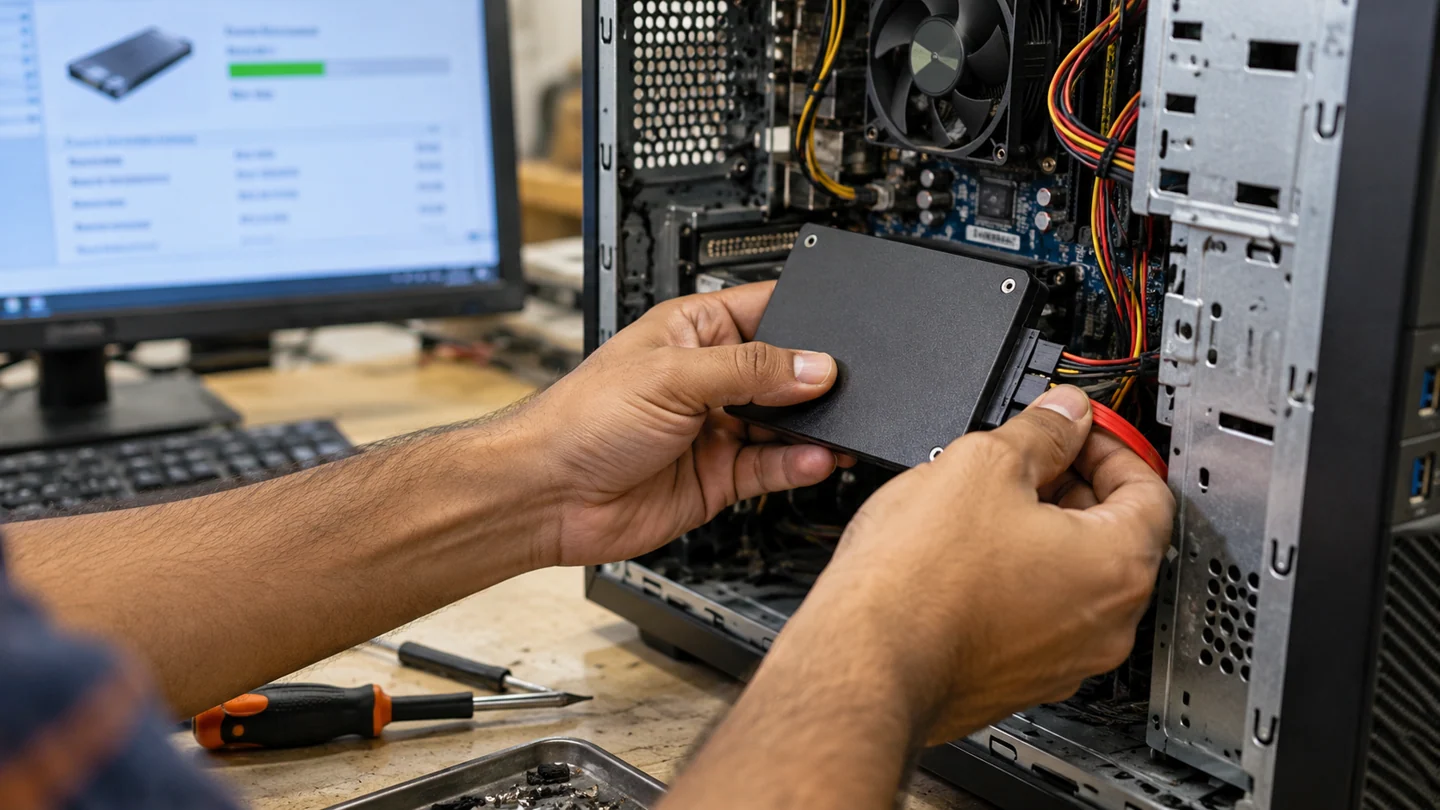
Step-by-step checks
- Record errors and recent damage.
- Back up accessible important files.
- Confirm appointment arrangements, fees and written repair terms.
Need help with this issue?
Share your model and symptoms. Confirm availability and the quote before booking.
What the results mean
A doorstep visit can help reproduce a fault in its usual environment. Board-level work and recovery may still need a workshop.
| Stage | Action |
|---|---|
| Start | Record errors and recent damage. |
| Compare | Back up accessible important files. |
| Next step | Confirm appointment arrangements, fees and written repair terms. |
Prepare a useful repair enquiry and agree the scope
Share the device model, exact symptom and neighbourhood before arranging a visit. Describe whether there are power lights, sounds, an error message or a failure during one particular task. Mention recent liquid exposure, impact or parts changes because those details affect what equipment and assessment may be needed.
Confirm timing and charges directly rather than treating a service-area list as a live appointment calendar. Ask what the assessment covers, whether parts are extra and what happens if the work needs workshop equipment. A screen, battery or keyboard must match the exact model, while board-level or intermittent faults can require more investigation than a routine setup visit.
Back up accessible files and explain what must be preserved before any reset, reinstall or storage replacement. Provide address and access details privately through the agreed contact channel. After work, repeat the original failing task and check relevant charging, display, network or peripheral behaviour. Keep a plain record of the diagnosis, approved work, replaced parts and follow-up terms. A working startup alone does not verify every issue that prompted the visit.
Before you finish
- Model, symptom and neighbourhood shared
- Assessment scope and charges agreed
- Files and recovery access protected
- Original fault and agreed work checked together
Repair checklist
If you need help, send RJ Computers your device model and the results of the checks above. Explain what must be preserved before work starts, especially files that have no other copy.
- Confirm assessment charges and what the quote includes.
- Ask for approval before additional parts or destructive software changes.
- Test the original symptom at handover and keep the repair details.
Ready for an assessment?
Share your model and symptoms. Confirm availability and the quote before booking.
Frequently asked questions
What should I confirm before handing over a computer?
Ask about assessment fees, data handling, parts, approval for extra work and the handover test.
What should I record before requesting help?
Record the full model, exact error or symptom, recent changes and what you already tried. Explain whether important files have a separate backup.
How do I arrange a repair assessment?
Call RJ Computers on +91 99715 24677 or use the WhatsApp booking button. Confirm availability, diagnostic fees and the scope of work before booking.
Conclusion
Start with the evidence and compare it with the symptom before choosing a repair. A doorstep visit can help reproduce a fault in its usual environment. Board-level work and recovery may still need a workshop. If the checks do not explain the problem, share your observations and ask for an assessment before approving work.