Repair guides and buying advice — Page 34
Understand the fault. Check the fit. Make a better-informed choice for your technology.
1,602 guides · Page 34 of 45
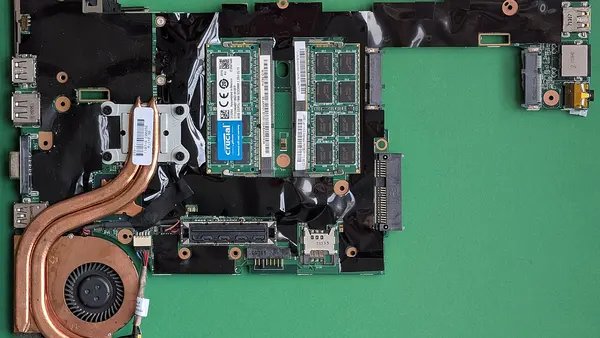 Windows startup and recovery
Windows startup after a driver change: diagnostic checks
For Windows startup after a driver change, start by recording the exact symptom and comparing one controlled change. Identify the exact device and driver version rather than rolling back every driver. Observe whether…
Read guide →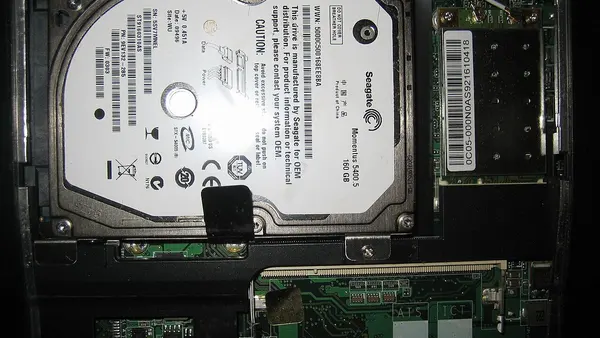 Files and storage
File path too long: shorten the full folder location
A file path includes every parent folder and the filename. Move a working copy to a shorter folder and test the same operation before renaming many files or changing system policies.
Read guide →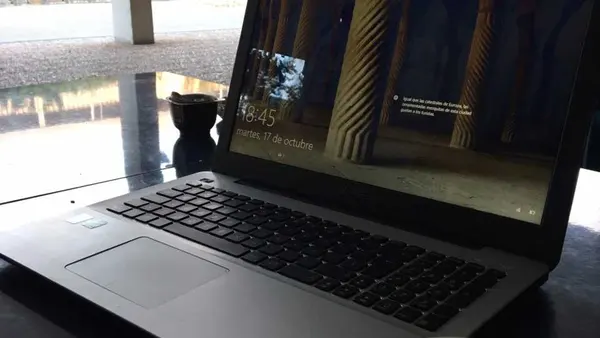 Windows
Critical Process Died Windows Error Fix
A stop code is a diagnostic clue, not proof that one component must be replaced. Record the exact code and what changed before the crashes began.
Read guide → Display
Hp Laptop Screen Flickering Fix
Flicker or lines can come from the panel, cable, driver or graphics hardware. Compare the internal display with a known-working external screen before…
Read guide → Windows startup and recovery
Windows startup after a feature update: diagnostic checks
For Windows startup after a feature update, start by recording the exact symptom and comparing one controlled change. Compare the last successful start with update history and any driver changes made at the same time.…
Read guide → Files and storage
Files inside a ZIP do not work properly: extract them first
Extract the archive to a normal folder before working with its contents. Opening one file inside a ZIP can be misleading when it depends on neighbouring files.
Read guide → Windows help
Custom Pc Build Service Cost Guide
If you are searching for custom pc build service cost guide , you are usually looking for a quick explanation of the cause, what you can safely check yourself, and when professional repair is the…
Read guide → Display
Laptop Screen Black But Power Light Is On
Check the display connection before resetting Windows on a powered computer with no picture. Monitor power, selected input, cable and video output all matter.
Read guide → Windows startup and recovery
Windows startup after an interrupted power supply: diagnostic checks
For Windows startup after an interrupted power supply, start by recording the exact symptom and comparing one controlled change. Record what the computer was doing when power was lost and whether storage errors now…
Read guide → Files and backup
Find a hidden Windows folder without changing system files
Enable Hidden items in File Explorer when you need to inspect a folder that is intentionally hidden. Visibility does not imply that the contents are safe…
Read guide → Windows
Dpc Watchdog Violation Fix
A stop code is a diagnostic clue, not proof that one component must be replaced. Record the exact code and what changed before the crashes began.
Read guide → Display help
Laptop Screen Replacement in Delhi
If you are searching for Laptop Screen Replacement , the first step is to identify whether the problem is caused by hardware, software, power, heat, connectivity or a component that has reached…
Read guide → Windows startup and recovery
Windows startup after restoring a system backup: diagnostic checks
For Windows startup after restoring a system backup, start by recording the exact symptom and comparing one controlled change. Identify the backup date, restored partitions and changes made after that snapshot. Observe…
Read guide → Data recovery
Free Vs Paid Data Recovery Software Comparison
Recovery software is suited to some logical losses on stable storage. Paying for a tool does not make it suitable for a physically failing drive.
Read guide → Office help
Email stuck in Outlook Outbox: inspect the message first
Check the stuck message, attachment size and connection state before creating repeated copies. A large attachment or an offline client can stop a message…
Read guide → Display
Monitor looks less smooth than expected: check refresh settings
Check the refresh rate offered for the selected monitor and connection. The panel, graphics output, cable and chosen display mode all affect the available…
Read guide → Windows startup and recovery
Windows startup on a work-managed computer: diagnostic checks
For Windows startup on a work-managed computer, start by recording the exact symptom and comparing one controlled change. Check the organisation’s recovery and account process before changing policies or removing…
Read guide →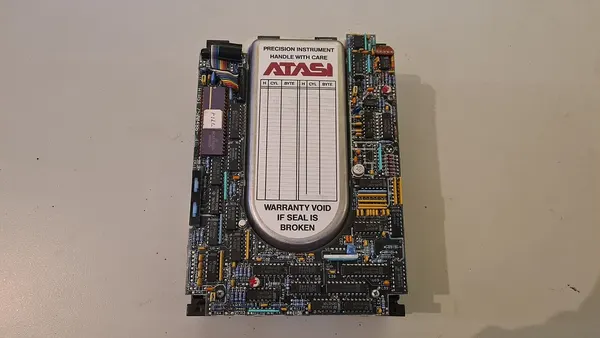 Data recovery
Hard Drive Data Recovery Price Estimate
Data recovery starts with preserving the source and defining which files matter. Do not reset, format or repeatedly test a device before considering its data.
Read guide → Office help
Emails leave your Inbox automatically: inspect mail rules
Review rules that move or process incoming messages. An automatic move can make delivered mail look as though it vanished.
Read guide → Display help
Monitor Troubleshooting in Delhi
If you are searching for Monitor Troubleshooting , the first step is to identify whether the problem is caused by hardware, software, power, heat, connectivity or a component that has reached the…
Read guide →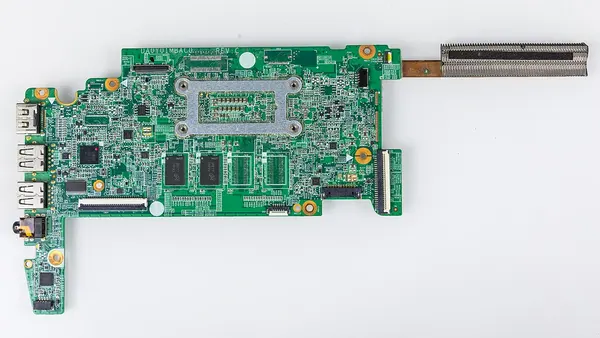 Windows startup and recovery
Windows startup when Safe Mode behaves differently: diagnostic checks
For Windows startup when Safe Mode behaves differently, start by recording the exact symptom and comparing one controlled change. Compare the same symptom in normal Windows and a supported visible Safe Mode session.…
Read guide →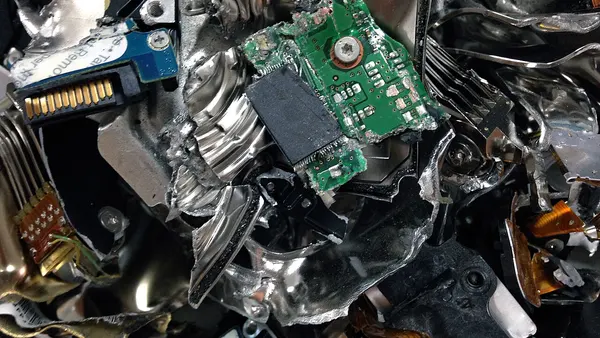 Data recovery
How Much Does Data Recovery Cost
If you are searching for how much does data recovery cost , you are usually looking for a quick explanation of the cause, what you can safely check yourself, and when professional repair is the…
Read guide →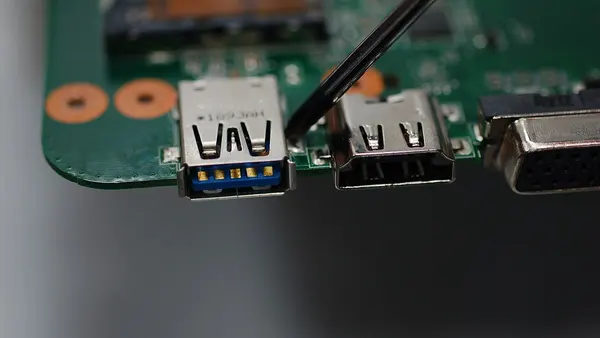 Office help
Embedded video makes a PowerPoint file huge: review media compression
PowerPoint's media compression can reduce an embedded video's size in supported desktop versions. Work on a copy and replay the entire result.
Read guide → Display
Mouse crosses to the wrong monitor: rearrange the display map
Arrange the monitor rectangles in Windows to match their physical positions. The connection order does not have to match their left-to-right placement on…
Read guide → Windows startup and recovery
Windows startup when system storage is nearly full: diagnostic checks
For Windows startup when system storage is nearly full, start by recording the exact symptom and comparing one controlled change. Check free capacity using a supported tool if Windows or recovery can access the drive.…
Read guide → Backup and files
How to create a system restore point windows 11
If you are searching for how to create a system restore point windows 11 , you are usually looking for a quick explanation of the cause, what you can safely check yourself, and when professional…
Read guide → Support
Emergency Computer Repair Services
Urgent repair starts with triage and realistic appointment availability. Same-day assessment is not the same as guaranteed completion.
Read guide →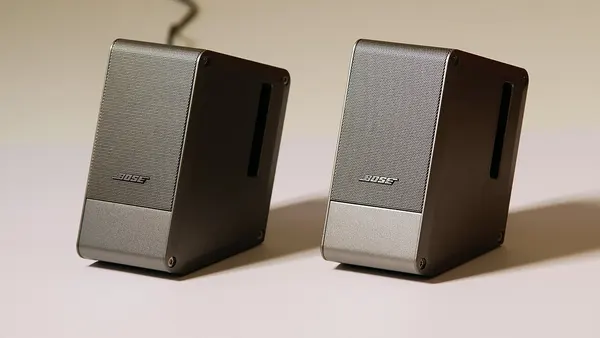 Display
No Signal To Monitor From Pc Hdmi
Check the display connection before resetting Windows on a powered computer with no picture. Monitor power, selected input, cable and video output all matter.
Read guide →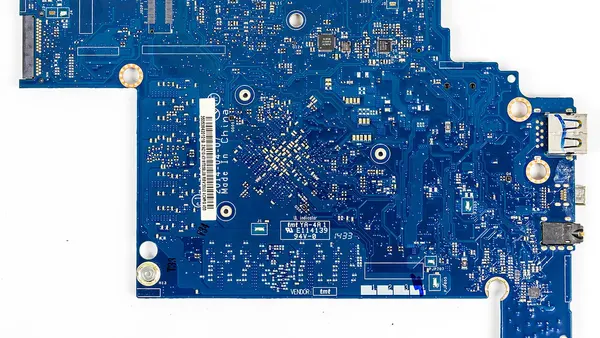 Windows startup and recovery
Windows startup when the problem happens intermittently: diagnostic checks
For Windows startup when the problem happens intermittently, start by recording the exact symptom and comparing one controlled change. Record several failed and successful attempts with the same accessories and…
Read guide → Data recovery
How to fix computer clicking noise hard drive
A clicking hard drive can have a mechanical fault. Switch it off when its files matter and avoid repeated scans or power cycles until it has been assessed.
Read guide → Support
Emergency Computer Repair Turnaround Times
Urgent repair starts with triage and realistic appointment availability. Same-day assessment is not the same as guaranteed completion.
Read guide →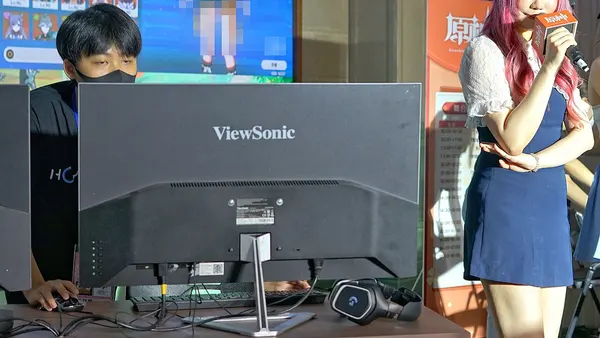 Display
Pc Turns On But No Display On Monitor
Check the display connection before resetting Windows on a powered computer with no picture. Monitor power, selected input, cable and video output all matter.
Read guide →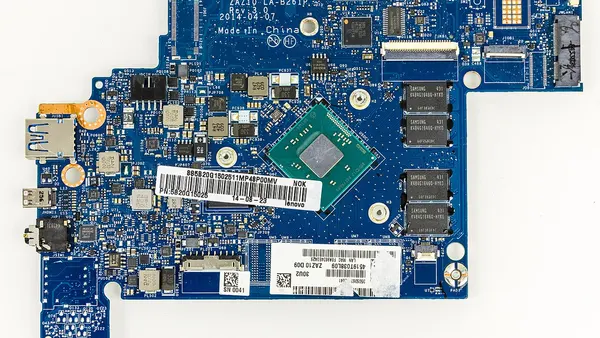 Windows startup and recovery
Windows startup while using an external display: diagnostic checks
For Windows startup while using an external display, start by recording the exact symptom and comparing one controlled change. Check whether the computer is running but displaying its picture on another screen. Observe…
Read guide → Data recovery
How to recover data from dead laptop
Data recovery starts with preserving the source and defining which files matter. Do not reset, format or repeatedly test a device before considering its data.
Read guide → Support
Emergency Laptop Repair in Delhi
Urgent repair starts with triage and realistic appointment availability. Same-day assessment is not the same as guaranteed completion.
Read guide → Display
Screen turns warm at night: review Night light before repair
Check whether Night light or a related colour setting is scheduled. A predictable warm tint can be intentional rather than a failing panel.
Read guide →No matching guides. Try another device, symptom or purchase requirement.